Every kit
Shared chapters
What the shared chapters cover, which parts of the manual are the same for every kit, and how the manual is organised.
On this page
Every Gradespace kit (Clinic, Church, Music, Salon, Group, Tutor, Driving, Trades, Venue and Charity) is built on the same foundations. You buy it the same way, install it the same way and set it up with the same kind of wizard. The design screen, staff accounts, cookie banner and emails also work the same way in every kit.
These shared chapters explain those common parts once. Your kit's own manual then covers what is special to your kind of business, such as bookings, lessons, sermons, quotes or donations.
How the manual is organised
Each kit manual has three kinds of chapter:
- The shared chapters (this section). They are the same for every kit.
- Your kit's quick start and setup wizard page. They walk you from buying to your first real use, such as your first booking.
- Your kit's feature chapters. One chapter for each area of your kit, and a "daily running" chapter for your weekly routine.
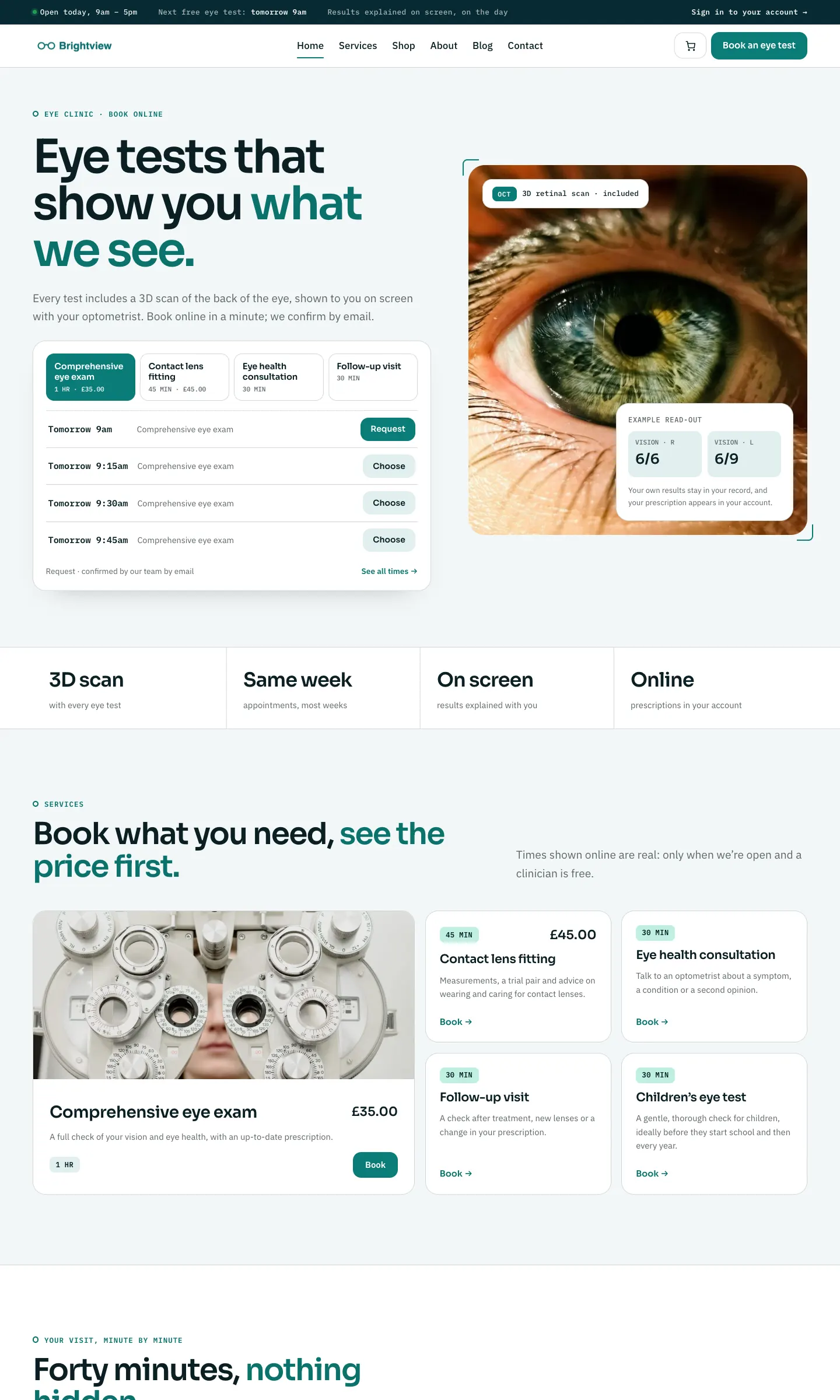
The pictures in the shared chapters come from a sample website made with your kit (in the general version of this manual, a sample Gradespace Clinic website called Brightview Eye Clinic). A few screens that are plain WordPress, the same in every kit, come from the Clinic sample. All names, addresses, logos and email addresses in the pictures are sample data.
The shared chapters, in reading order
| Chapter | What it covers |
|---|---|
| Buying and your licence | Starter, Pro and Agency, buying a kit, your licence key email and your licences page |
| Before you install | What your hosting needs, a backup and a test copy of your website |
| Installing your kit | Gradespace Core, then the kit plugin, then the kit theme, then your licence key |
| The setup wizard | Each step of the wizard, sample photos and the starter pages |
| Your look: design, colours, logo, menus and footer | Site Settings → Design & colours, your logo, the menu and the footer |
| Pages, posts and pictures | Editing pages, adding your kit's ready-made sections, blog posts and the media library |
| Staff accounts and signing in | Staff roles, adding a staff member and the staff sign-in page |
| Privacy, cookies and emails | The cookie banner, your legal pages, the website's emails and the email log |
| Backups and updates | Keeping a backup and installing updates safely |
| Troubleshooting and support | Fixes for common problems, and how to get help |
A few words we use
- WordPress is the free software your website runs on. You manage it from the admin area: your website's address followed by /wp-admin.
- A plugin is an add-on for WordPress. Your kit has a plugin (its features) and runs on a free plugin called Gradespace Core.
- A theme is the design of your website. Your kit has its own theme, with several designs and colour palettes to choose from.
- Your licence key is the code in your receipt email. It switches on updates, and Pro or Agency features if your licence includes them.
The shared chapters
Buying and installing
- Buying and your licenceThe Starter, Pro and Agency tiers, buying a kit, the licence key email, your licences page on thegradespace.com, and moving or upgrading a licence.
- Before you installWhat your website and hosting need for a Gradespace kit, how to check them, and why to take a backup and use a test copy first.
- Installing your kitInstalling Gradespace Core, then your kit's plugin, then your kit's theme from their .zip files, adding your licence key, and how updates arrive.
Setting up
- The setup wizardHow the setup wizard works in every kit: each step, the starter pages and menu, sample photos, legal pages, and how to run it again.
- Your look: design, colours, logo, menus and footerChoosing a design and colour palette in Site Settings → Design & colours, previewing it, keeping the menu at the top when scrolling, adding your logo, and changing the menu and the footer.
- Pages, posts and picturesEditing pages in the WordPress block editor, starting a page from your kit's ready-made layouts and sections, writing blog posts, and adding and replacing pictures in the media library.
Looking after your website
- Staff accounts and signing inGiving each member of staff their own account, the staff roles each kit comes with, choosing what each role can do (Pro), and the staff sign-in page.
- Privacy, cookies and emailsThe cookie banner and cookie settings, your starter terms, privacy and cookie policies, requests for people's data, the website's branded emails, test emails and the email log (Pro).
- Backups and updatesWhat to back up and how often, and how to install updates to Gradespace Core, your kit's plugin and its theme safely.
- Troubleshooting and supportFixes for the problems people meet most often: licence messages, installing, the setup wizard, pages not found, emails, signing in, the design and the cookie banner, and how to get help.