Setting up
Designs, pages and menus
The four designs of the Lifestyle theme (Linen, Peach, Journal, Market), their palettes, the home page, the starter pages and the menus.
On this page
Choose a design and its colours under Site Settings → Design & colours. Every design shows the same posts and products, so you can change your mind at any time.
Each design has seven colour palettes of its own. Every text colour is checked to read clearly (4.5:1 or better) on its background.
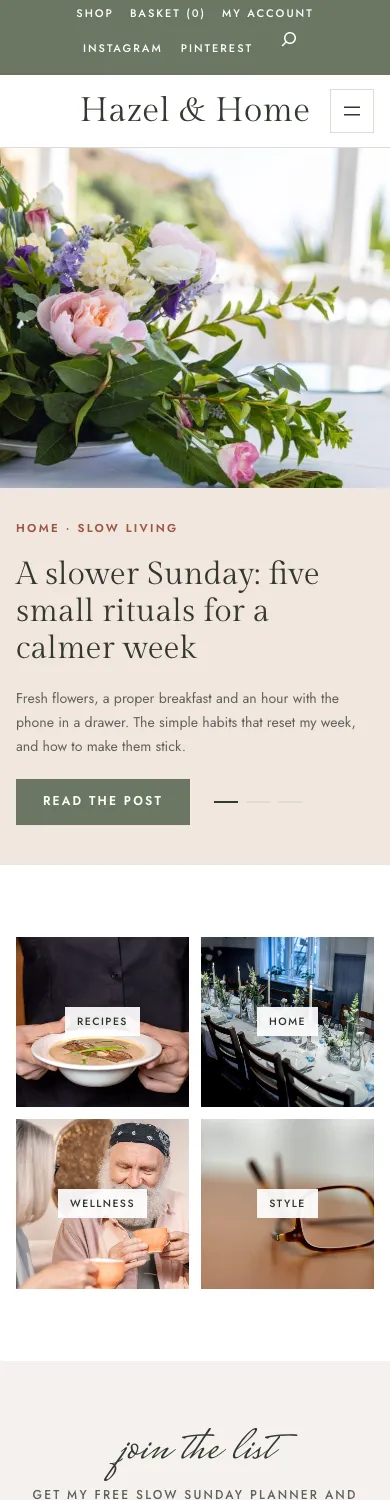
Linen
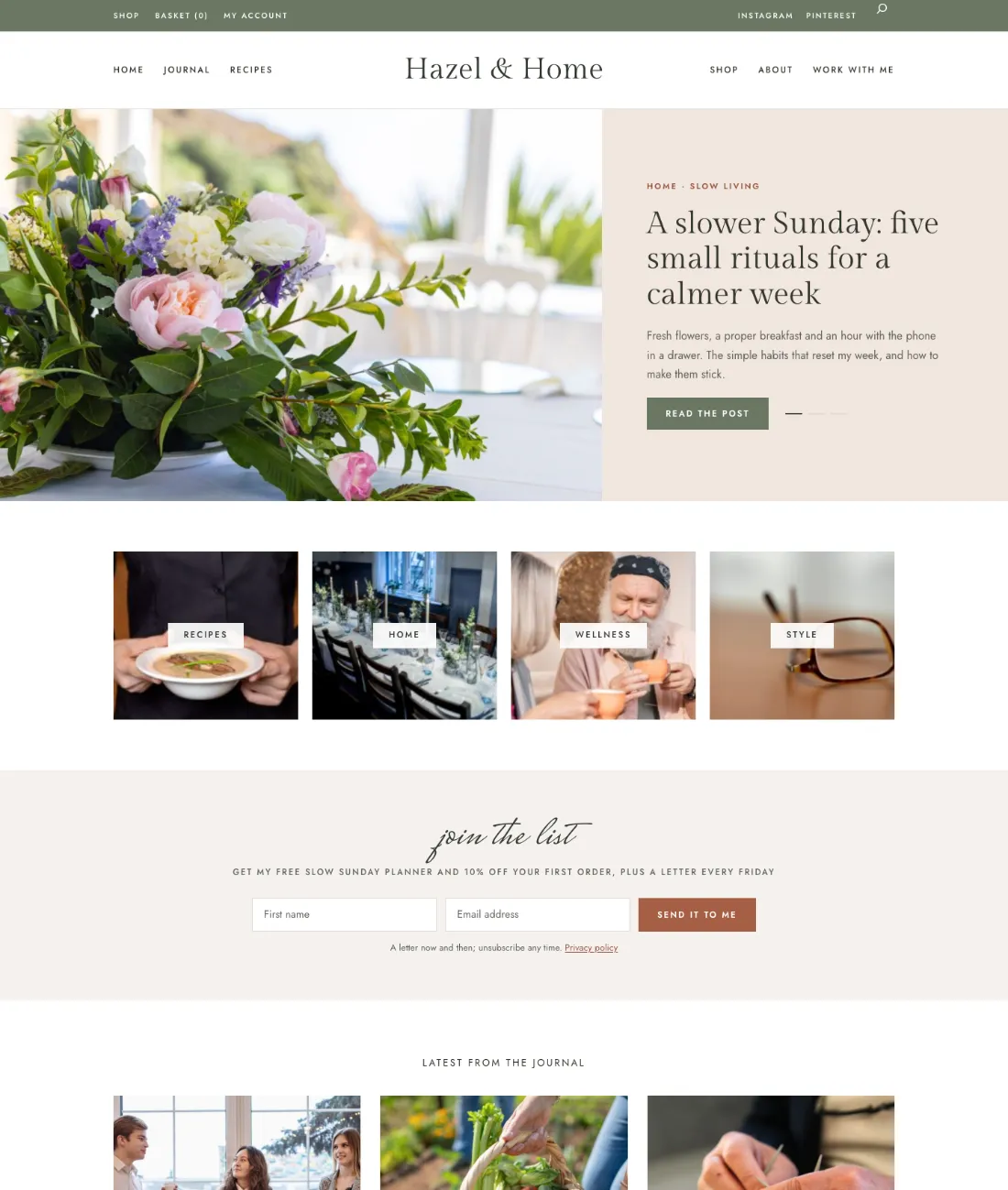
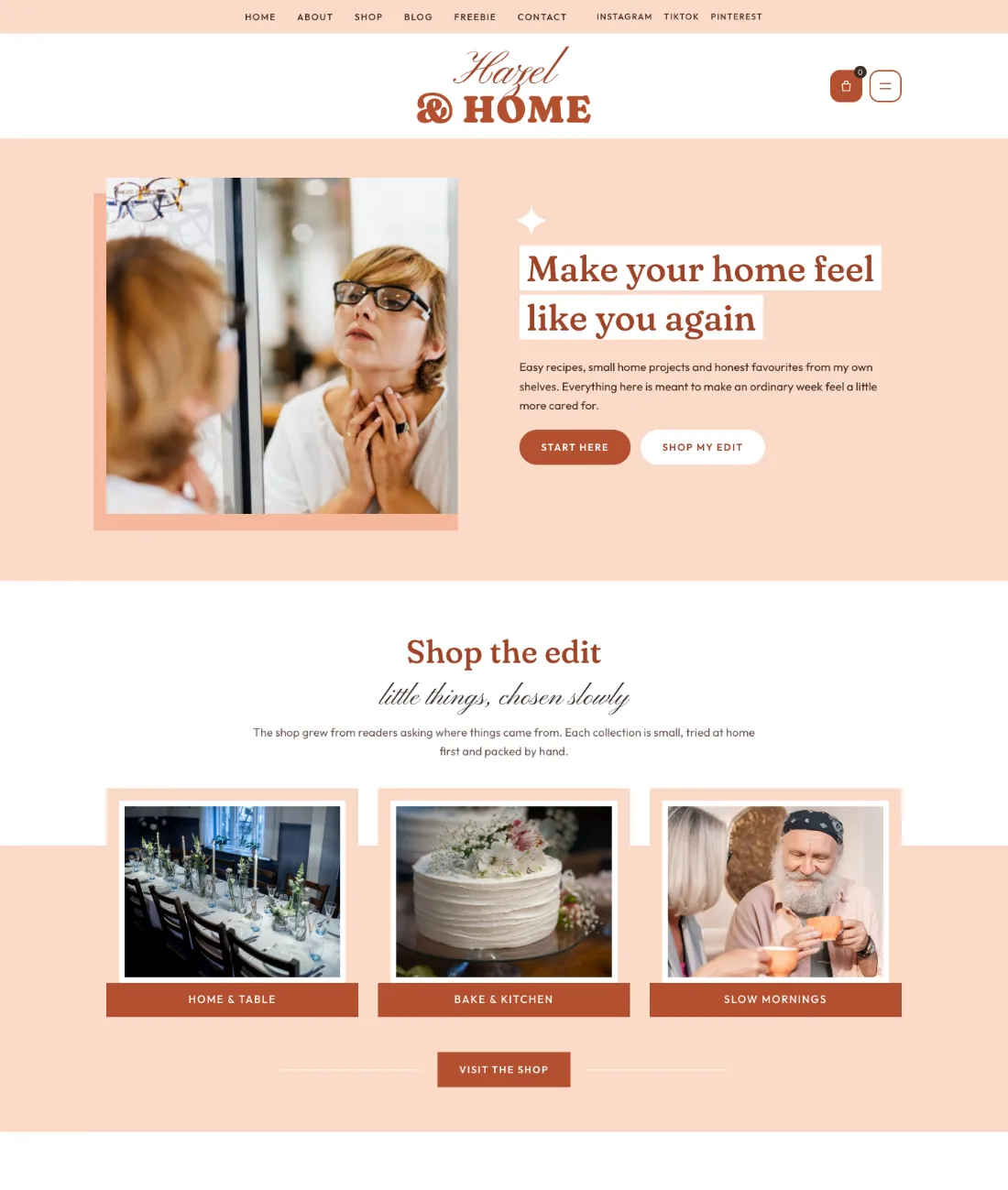
Peach
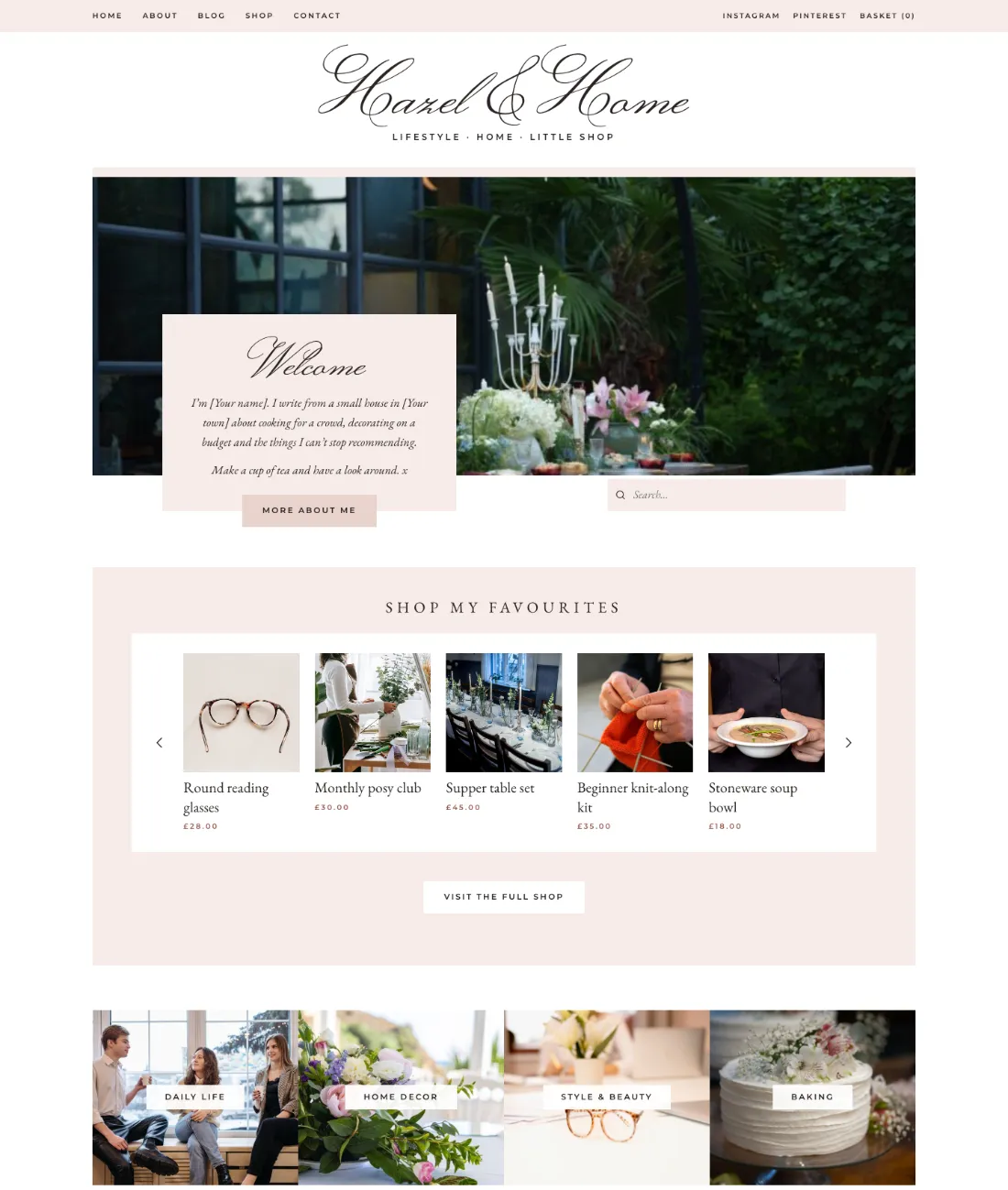
Journal
Market
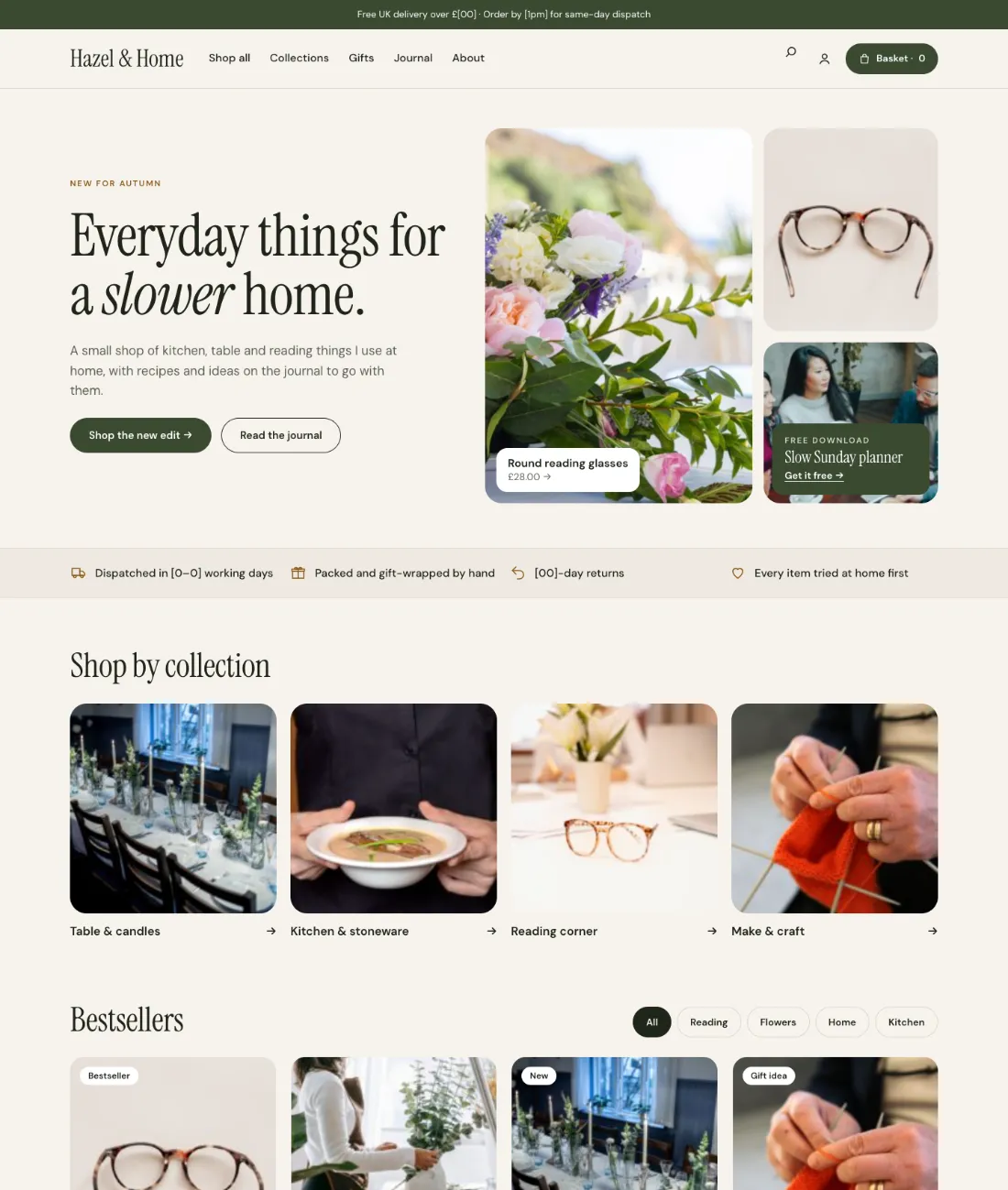
The home page
The starter home page carries every design's sections; each section has Show in designs in its settings, so switching design shows that design's own home page. To change a section, click it in the editor: its words, photos and how many items it shows are in the block's settings on the right. Any word left empty uses the design's own.
Every section is also a pattern (in the editor, + → Patterns → Blog & shop · Sections), so you can add one to any page.
Menus
Each design's header carries its own links (Home, Journal, Recipes, Shop, About, Work with me in Linen). Change them in Appearance → Editor → Patterns → Header, choosing your design's header. The footer's links are edited the same way.
On phones, every design folds its links into one menu button. In Linen and Journal that button has its own list of links (the Menu block in the same header), so when you add or rename a link, change it in the Menu block too.
Shop pages
The shop, its categories, each product, the basket, checkout, your account and the order received page are styled in every design. See The shop.