Running your website
Posts and products
Linking products to the posts that use them, “how I use it” and “make this with it”, Shop this post, “why I love it” notes and product cards in posts (Pro).
On this page
On each product (Products → the product → General):
- Posts it appears in: choose one or more posts. The product appears under them in Shop this post, and the first one is its story on the product page.
- Its story says: "how I use it" (a post where you use it) or "make this with it" (a recipe or a project).
- Why I love it: one or two sentences in your own words, shown on the product page and under Shop this post.
- Line under the name: a few words on cards ("Tortoiseshell, three strengths").
- Care: the Care panel on the product page.
- Gift wrap: untick for anything that can't be wrapped.
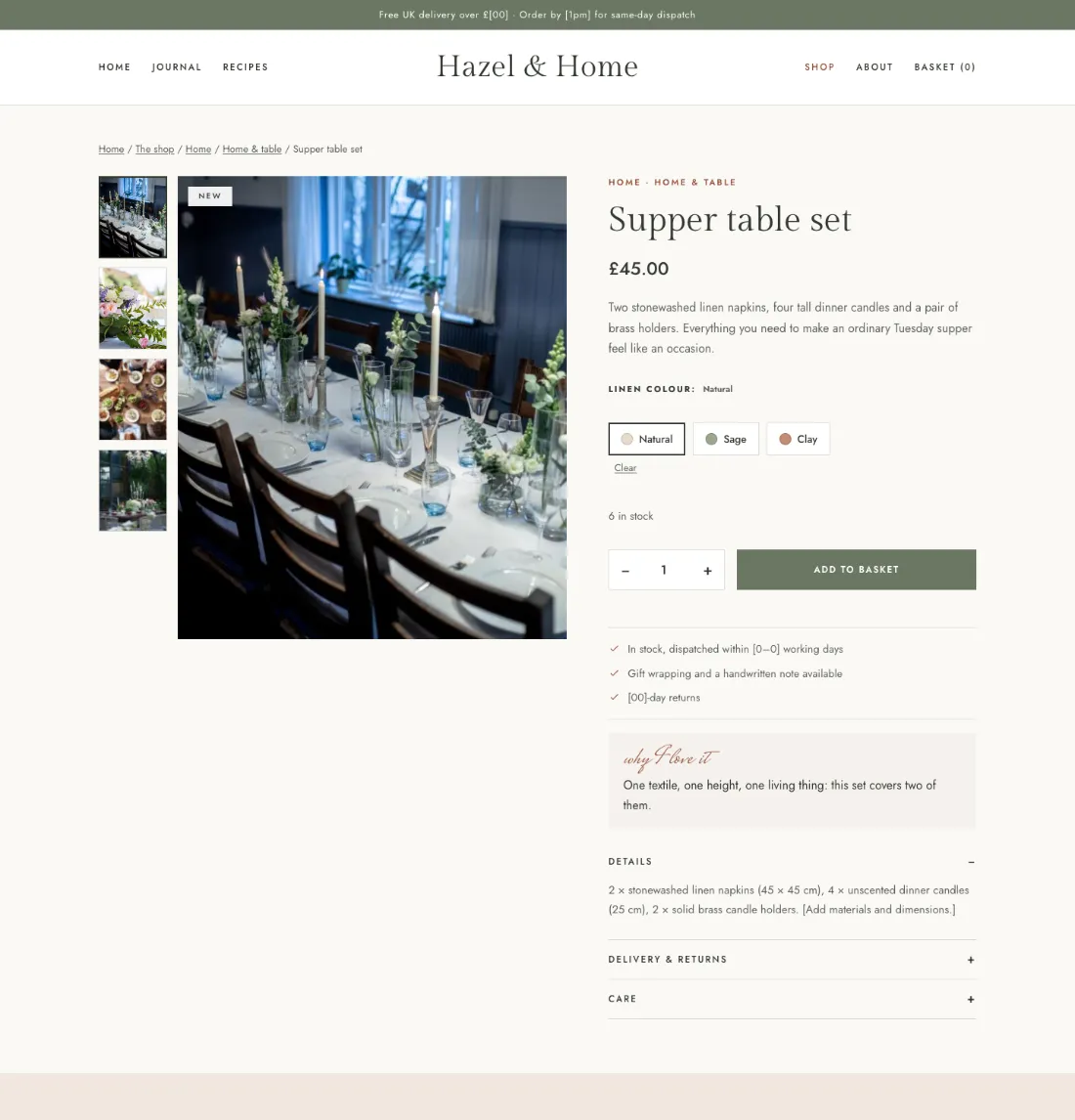
In a post, the Blog & shop box lists the products linked to it.
Product cards in posts (Pro)
Add the Product card block anywhere in a post and type the product IDs (hover a product under Products to see its ID). Each shows its photo, price, your note and Add to basket.