Setting up
Designs, pages and menus
The three designs, the home page sections and the pages the theme links to.
On this page
Choose a design under Site Settings → Design & colours. Your content stays the same; only the look changes.
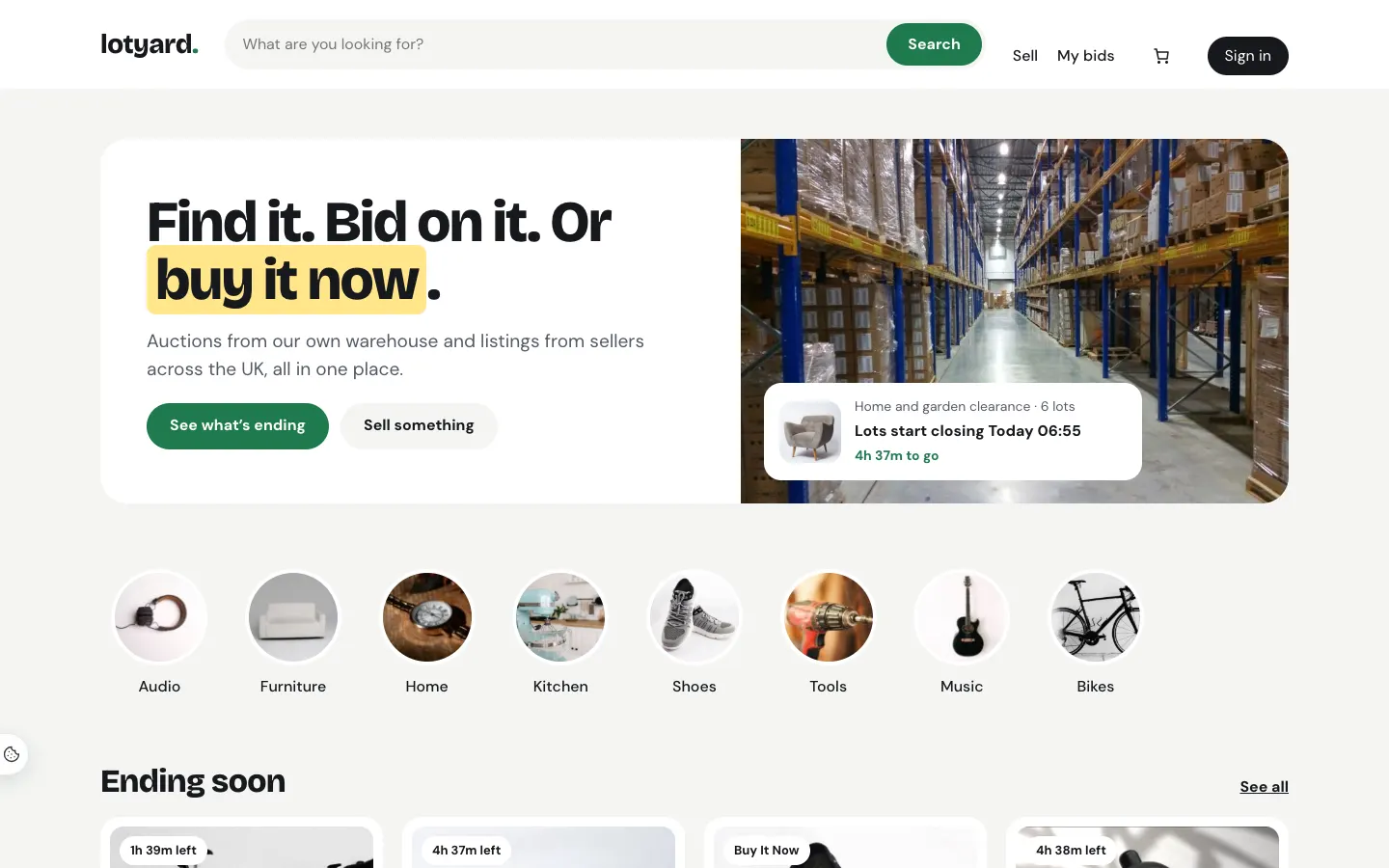
- Showroom (the default): white and green, rounded cards, big photos. Friendly for everyday buyers.
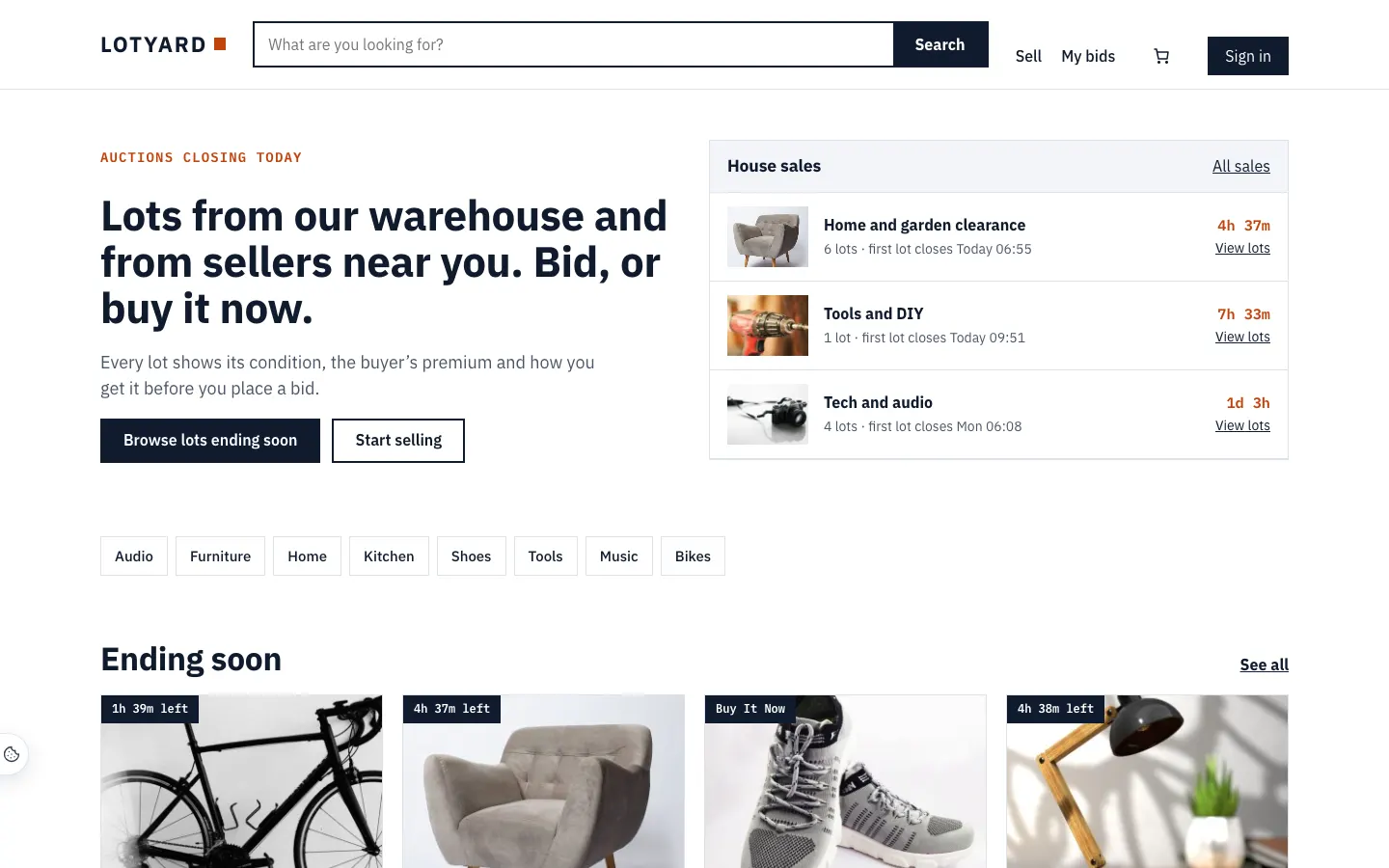
- Catalogue: a printed-catalogue feel: square corners, typewriter-style labels, and the house sales listed beside the headline.
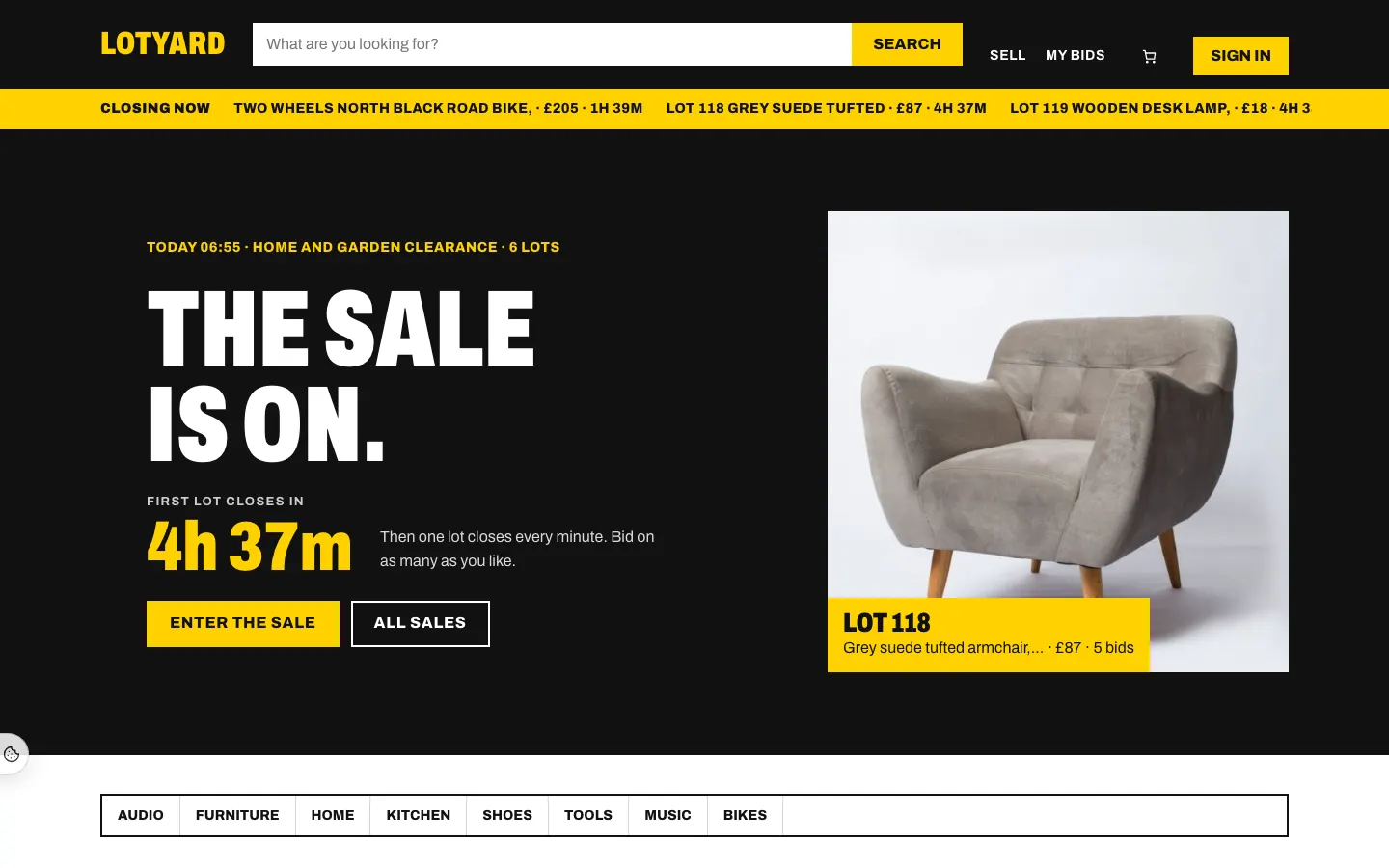
- Saleroom: dark and fast, like a live auction floor, with a "Closing now" strip under the menu and lots in rows.
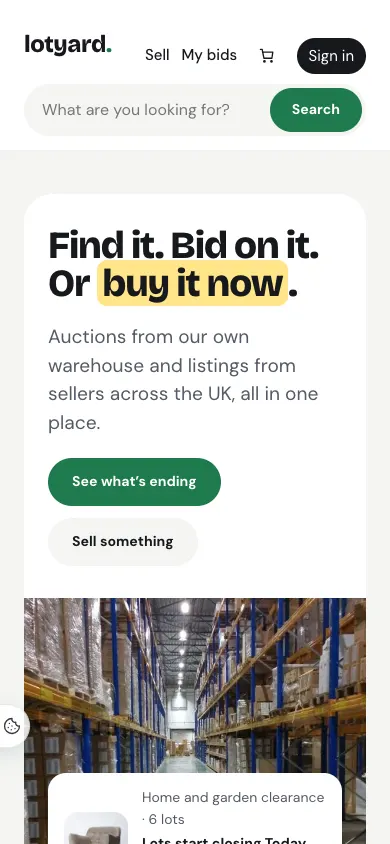
Every design works on a phone: your name, the menu, the basket and Sign in on one row, with the search box full width below them.
Colour palettes
Each design has seven colour palettes of its own, under the design in Site Settings → Design & colours. Every text colour is checked to read clearly (4.5:1 or better) on its background. The Winning and Outbid labels on bids stay easy to tell apart in every palette.
The home page
The home page is built from sections you can move, hide or reword in Appearance → Editor: the hero (the next house sale, or your own words), categories, Ending soon (Saleroom calls it Closing next), the house sales open now, and the Sell with us band (Pro: without outside sellers it doesn’t show, and the hero’s second button goes to your house sales). Leave a section's words empty and it uses the design's own.
Pages and menus
The header links to Sell (with Pro, for outside sellers) and My bids, the basket and the account. The footer links to How bidding works, Buyer's premium, Seller fees (with Pro), Help, Terms and Privacy: the starter pages from the wizard. Change the menus in Appearance → Editor → Patterns → Header and Footer.