Running your website
Outside sellers (Pro)
How people apply to sell, approving and suspending sellers, commission, Stripe, and paying sellers.
On this page
Applying
Anyone with an account can apply from Sell (or My account → Selling): their shop name, whether they're a private person or a business (with a company number if they have one) and what they'd like to sell. Businesses are told they must give buyers their usual rights, including 14-day returns on items bought online. You're emailed about each application.
Approving
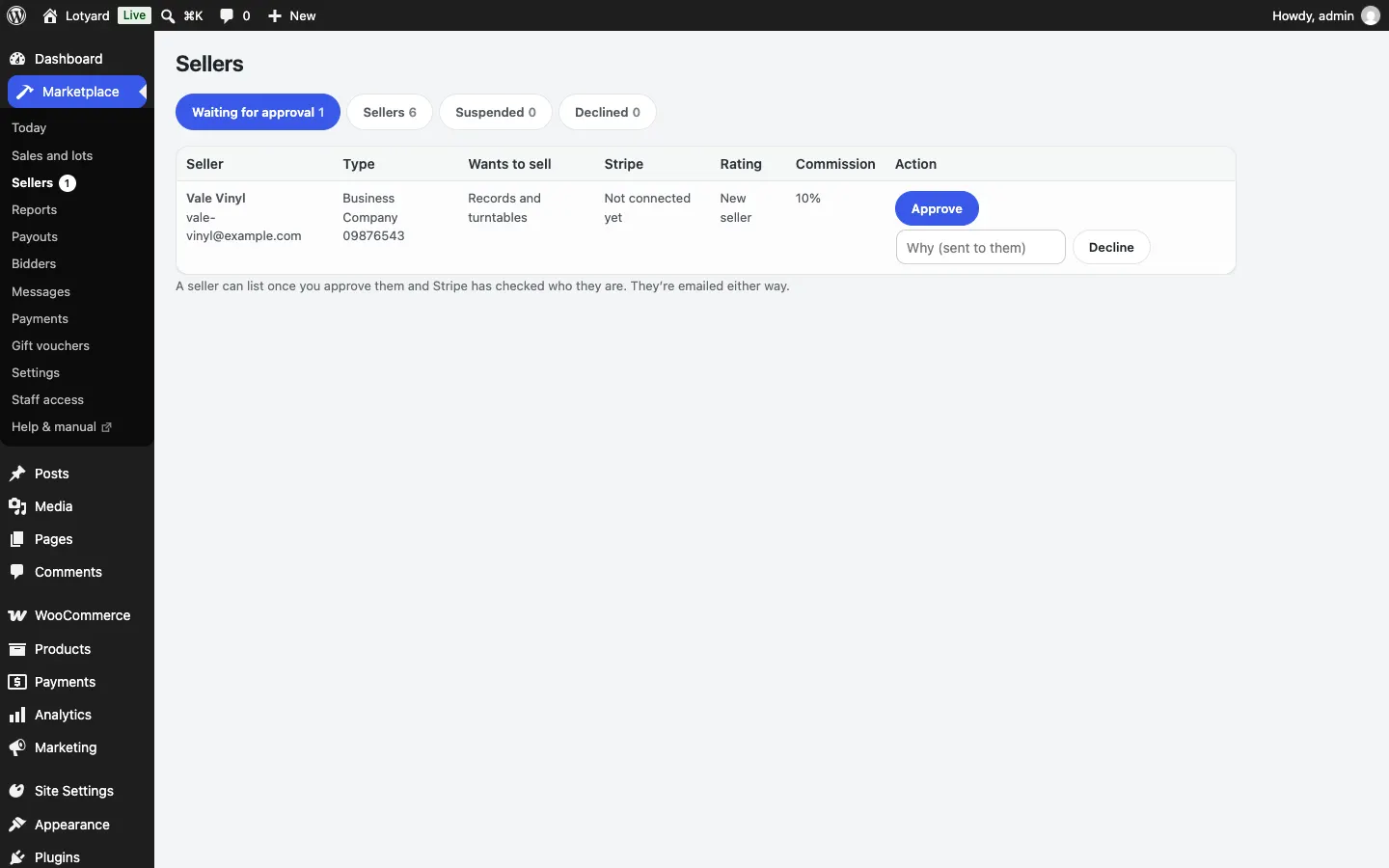
Under Marketplace → Sellers, Approve or Decline each application (with a reason, which they're emailed). Approved sellers then connect a Stripe account from their seller hub: Stripe checks who they are and where to send their money, which takes a few minutes, and then they can list.
- Suspend a seller to stop them listing and hide their listings; Lift the suspension to bring them back.
- Agreed commission % sets a different commission for one seller.
- Check new listings before they go live (Marketplace → Settings → Marketplace) holds each new listing as Being checked until you publish it in Products.
Paying sellers
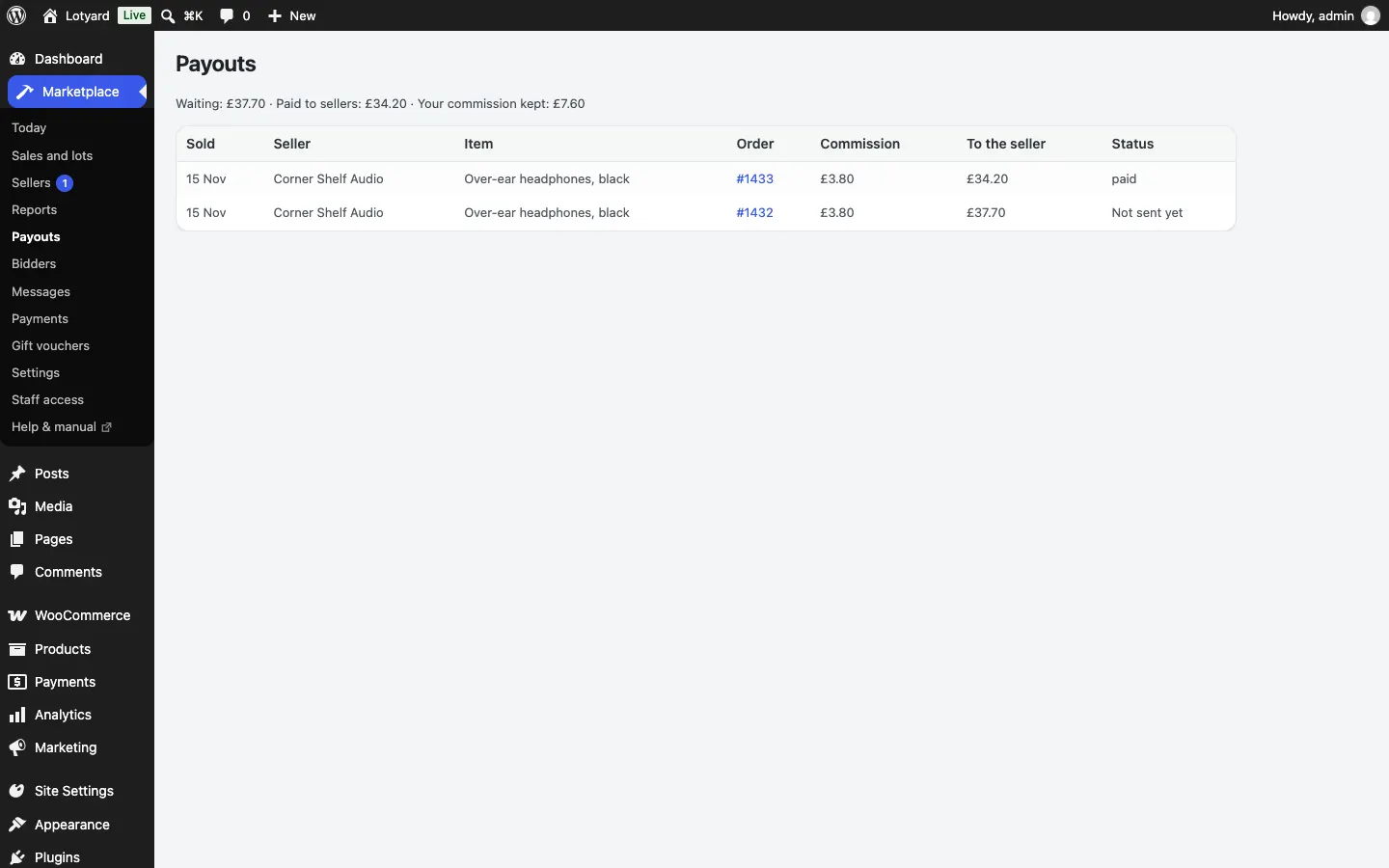
Buyers pay you. Each seller's share (the price less your commission, plus their postage) waits in Marketplace → Payouts until the buyer says it arrived or the days after sending have passed, then goes to the seller's Stripe account by itself. If a payment fails (for example, the seller's Stripe account needs attention), it shows here with Try again, and you're emailed (A seller payout failed).