Running your website
Staff screens and staff access
The Today screen, the Marketplace menu, bidders, and which staff can do what.
On this page
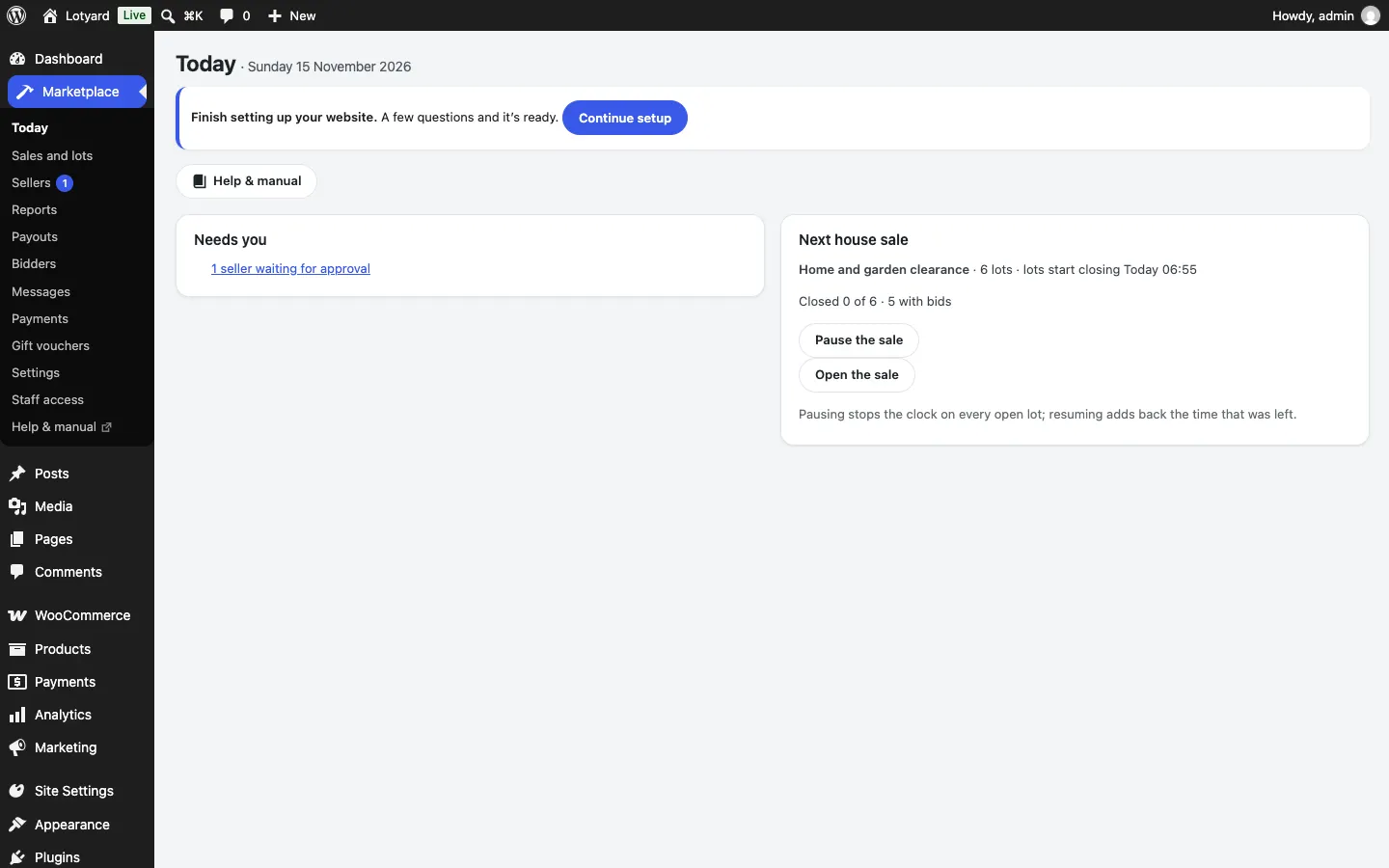
- Today: what needs you (sellers waiting for approval, cases to decide, reported conversations, listings to check and overdue invoices and, with Pro, offers to answer), the next house sale with Pause the sale, and the rest of your day.
- Sales and lots: see House sales and lots.
- Sellers and Payouts (Pro): see Outside sellers.
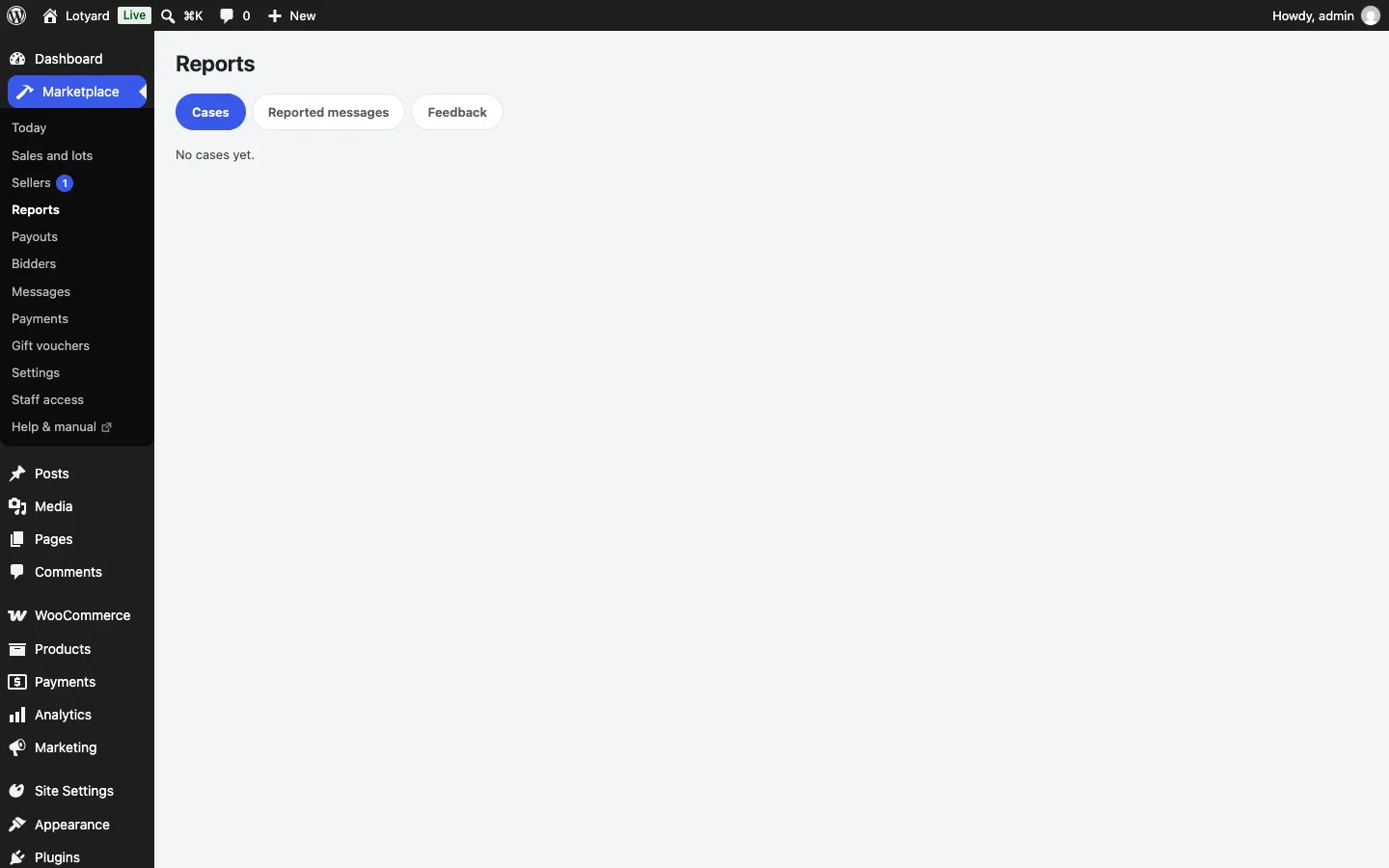
- Reports: cases waiting for you, reported messages and feedback to look at.
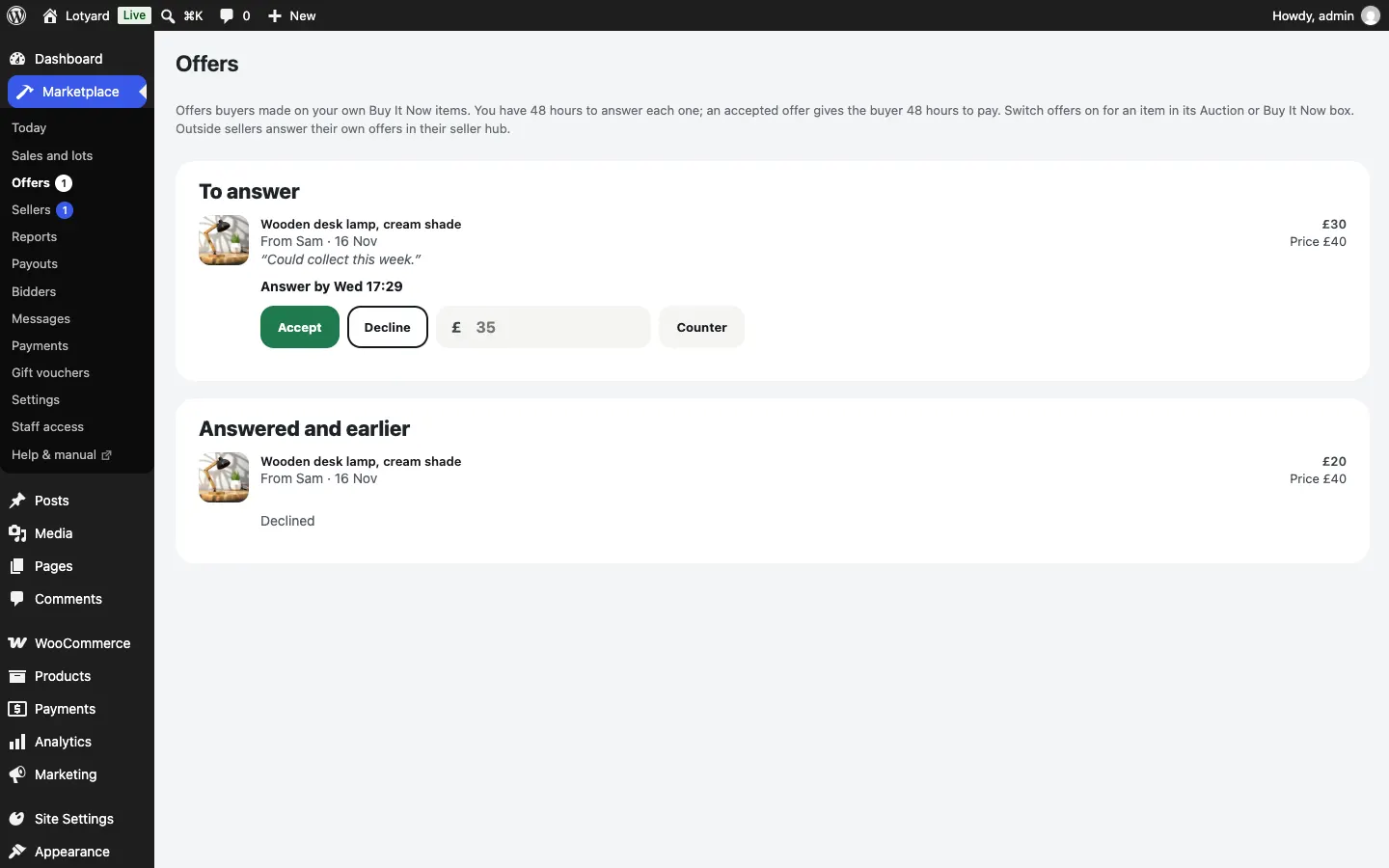
- Offers (Pro): offers on your own Buy It Now items. Accept, Decline, or type your own price and press Counter; answered and earlier offers are listed below. See Make an offer.
- Bidders: people stopped from bidding because they didn't pay (Lift the ban), and Take a bidder off a lot for a mistaken bid (Remove their bids).
- Settings: see Settings.
Staff access
Under Marketplace → Staff access, tick what each role can do:
- Run the marketplace: the Marketplace screens (sales and lots, sellers, reports and cases including refunds, payouts, bidders). Items they list are your business's own.
- Add and change lots and listings: products in WooCommerce, not deleting them.
- See and manage orders: orders and invoices.
Shop managers have all three out of the box; editors have none. Administrators can always do everything.