Running your website
Flavours and reviews
Your cake flavours and fillings with what each contains, the reviews on your website, and how customers leave a review.
On this page
Flavours and fillings
Add and change them under Bakery → Flavours. Each one has:
- This is a: Cake flavour (the sponge) or Filling.
- Contains: for example "gluten, eggs, milk, nuts". It's shown beside the flavour in the cake builder and on the Flavours page.
- In the taster box: shown with a label on the Flavours page.
- Show in the ribbon of flavours (cake flavours only).
Add a short description in the Excerpt box if you'd like a line under the name on the Flavours page. Set each one's Order in the side panel (lower numbers come first): the cake builder, the Flavours page and the ribbon all follow it. A new flavour appears in every cake builder straight away.
Reviews
Reviews shown on the website are under Bakery → Reviews. Each has the customer's name as they gave it, who they are (optional, for example "Couple" or "Birthday cake"), the stars, where it was left (optional, for example Hitched or Google) and the month. Your average rating and the number of reviews are worked out from the published ones and appear on the home page, the rating card and the Reviews page.
To add a review someone left elsewhere, choose Add review, type it in and publish it.
In Bakery → Settings → Bakery → Reviews, Reviews are on names the site most of your reviews are on (shown beside your rating), and Link to your reviews there sends Read them all to that site instead of your Reviews page.
Leave a review
The Reviews page ends with Leave a review.
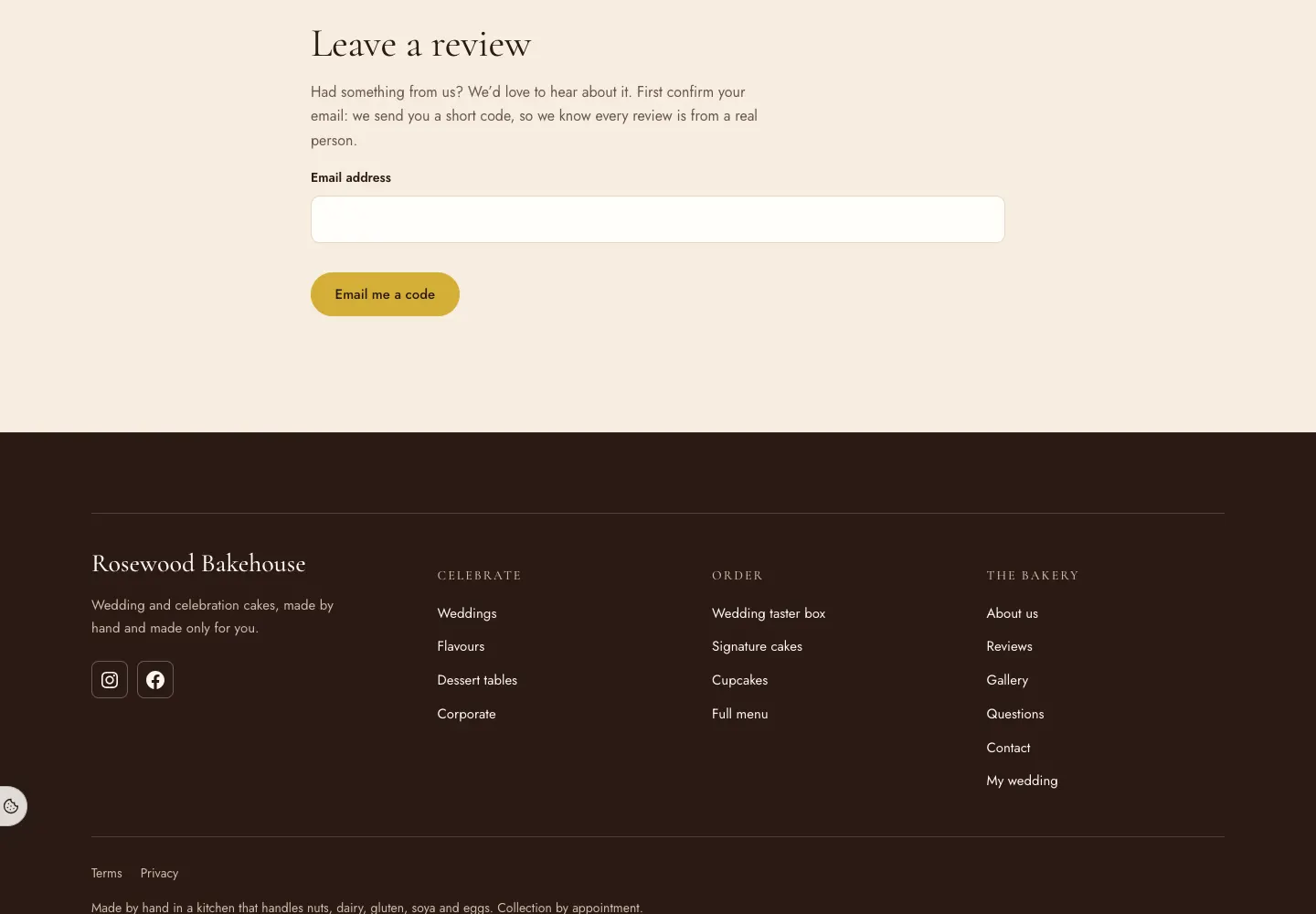
- The customer types their email address and presses Email me a code. They get a six-digit code that works for 20 minutes.
- They type the code, their name, the stars, a headline and a few words about their order.
- The review arrives under Bakery → Reviews as Pending, and you get a New review to approve email with a button to open it.
- Publish the ones you want shown. Reviews waiting are counted on the menu and listed on Today.
The code means every review comes from a real email address. Someone can ask for three codes an hour for one email address (five from one connection), and a code stops working after five wrong tries.