Setting up
The setup wizard
The wizard's steps for a bakery and what each piece of starter content adds.
On this page
The wizard opens after you install the kit. You can run it again at any time from Bakery → Settings → Run setup again; it never changes pages or content you already have.
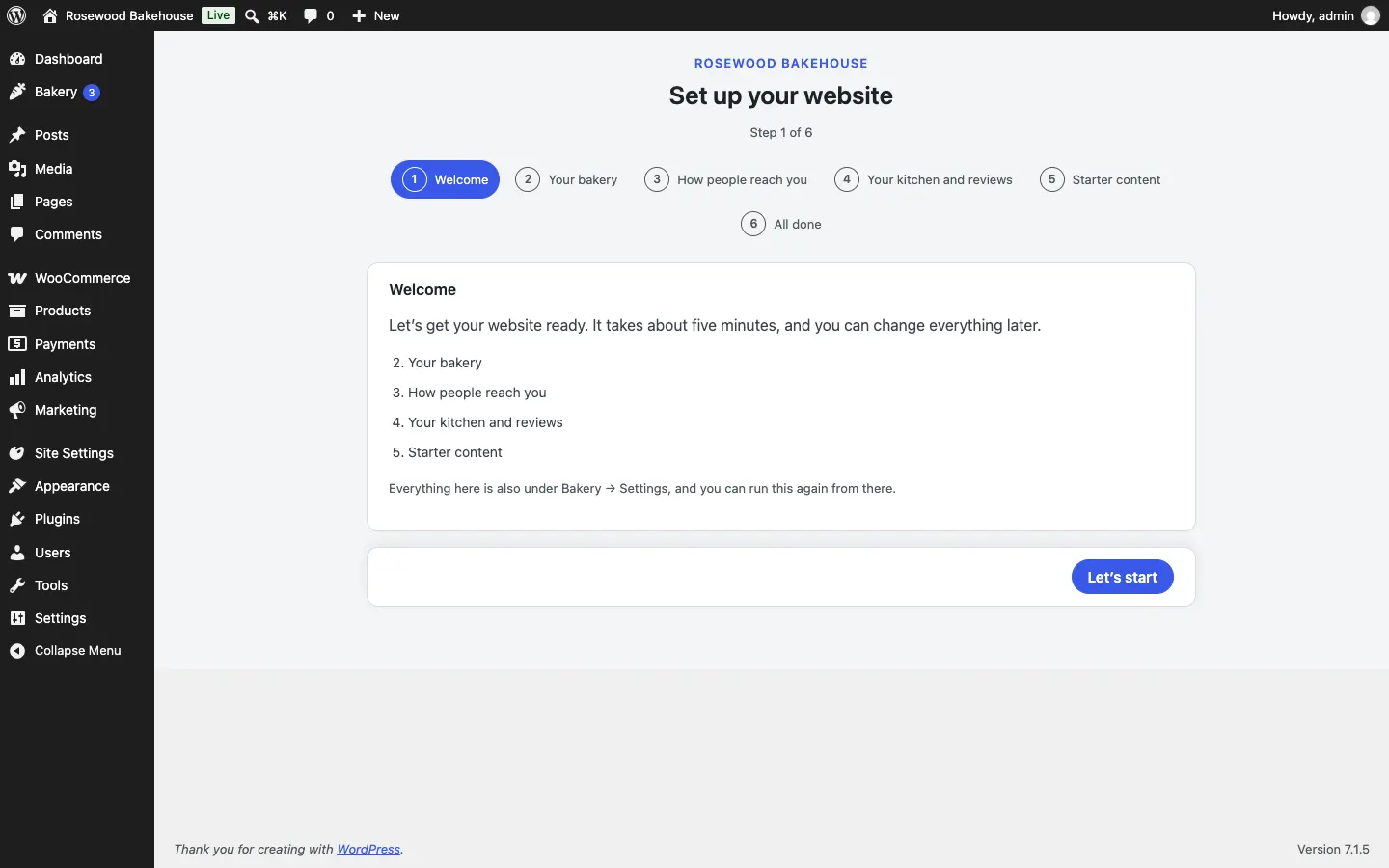
- Your bakery: your name, company name, tagline and logo. They appear on the website, in emails and on the staff sign-in page.
- How people reach you: your email, phone and address (shared by every Gradespace kit; see the shared chapter The setup wizard).
- Your kitchen and reviews: the allergen note shown at the foot of every page and on every cake, and where most of your reviews are (for example Hitched or Google) with a link to them.
- Starter content: tick what you'd like added.