Running your website
Services and prices
How to add and edit the services you offer, with a 'from' price guide, a short note, what's included and how long the job usually takes, and how to choose which services appear on the quote form.
On this page
Services are the kinds of job you do: boiler installation, rewiring, a loft conversion. Each one gets its own page with a "from" price, what's included and a Get a free quote button, and appears on the Services page, the home page, every area page and the quote form. A rough price guide helps customers decide to ask, and saves you calls from people expecting a different budget.
The setup wizard adds starter services for your trade. Check each one and put in your own prices.
How to see your services
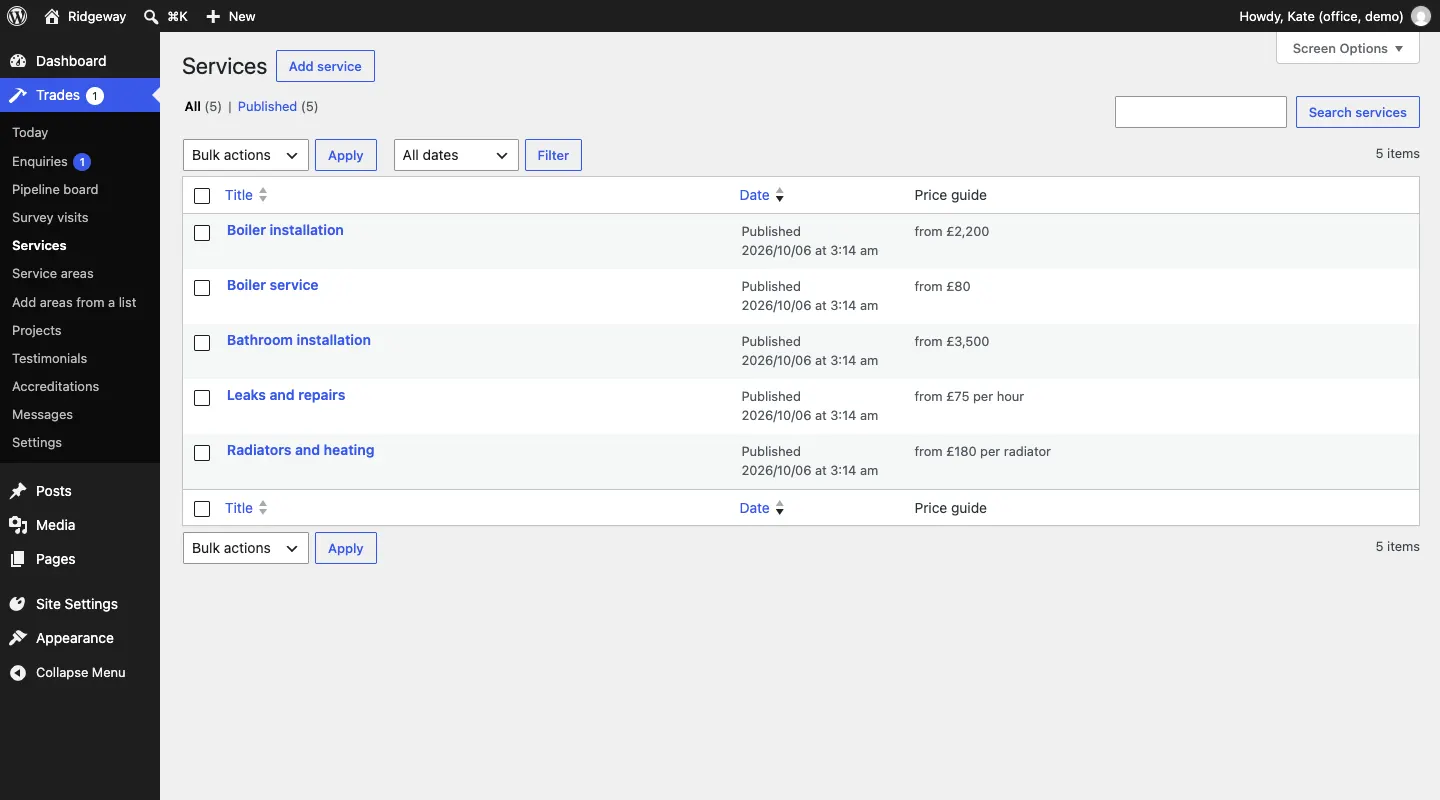
Go to Trades → Services. The list shows each service and its Price guide.
How to add or edit a service
- Go to Trades → Services and click Add service, or click a service's name to edit it.
- Type the name at the top, for example "Boiler installation".
- Below it, describe the job: what it involves, how you go about it and what customers should know before they ask for a quote.
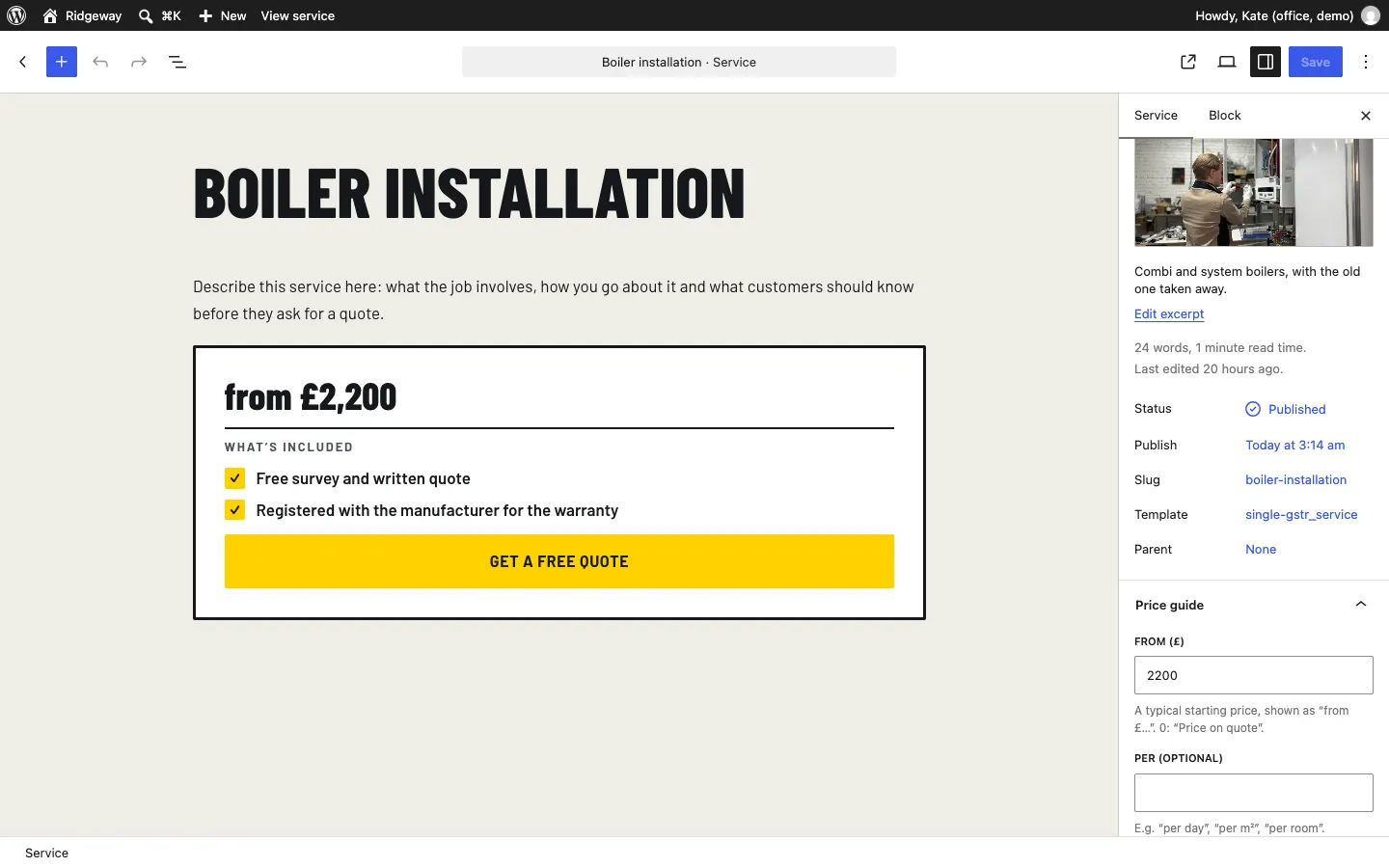
- In the sidebar on the right, under the Service tab, add a featured image (the photo shown on the cards) and a short excerpt (one line shown under the name in lists). Click Edit excerpt to change it.
- Open Price guide in the sidebar and fill in:
- From (£): a typical starting price, shown as "from £…". Put 0 to show "Price on quote".
- Per (optional): for example "per day", "per m²", "per room" or "per radiator".
- Short note: for example "Most jobs £180 to £450, depending on access."
- What's included: one item per line, for example "Free survey and written quote" or "All waste taken away". Each line shows with a tick.
- How long it usually takes (optional): for example "1 to 2 days".
- Offer it on the quote form: ticked, the service is a choice under What do you need? on the quote form.
- Click Save (or Publish for a new service).
Where services show on the website
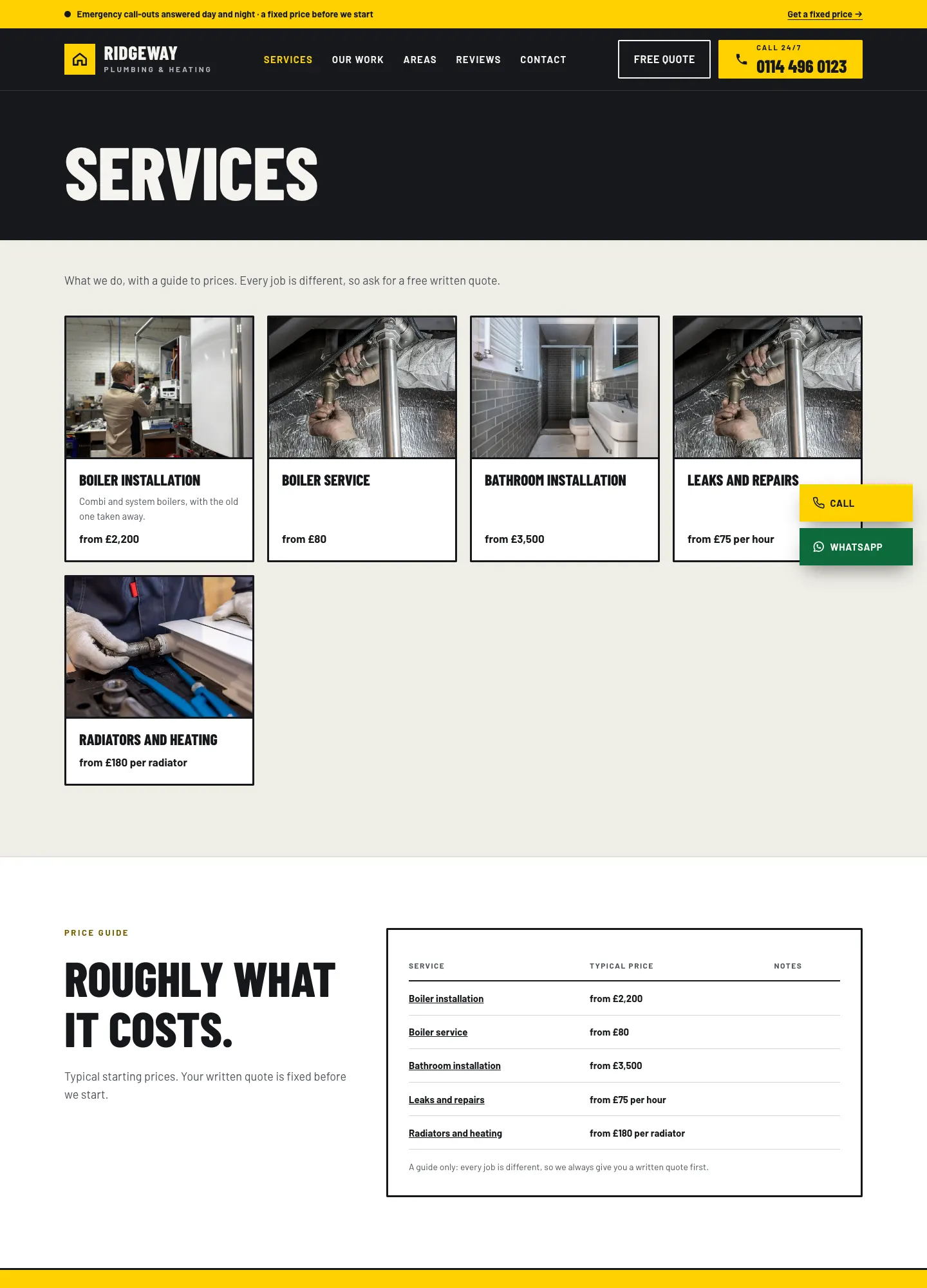
- The Services page lists every published service.
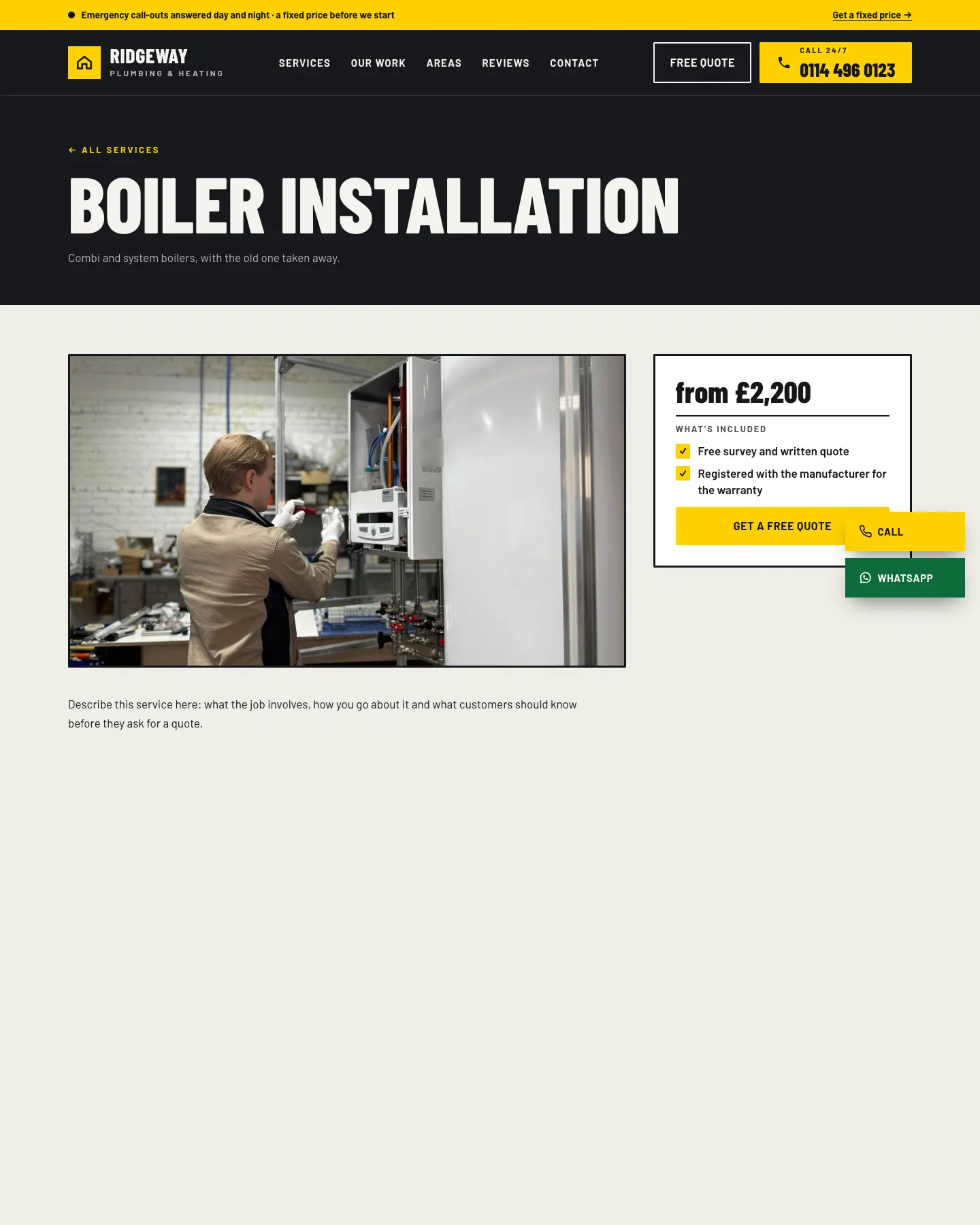
- Each service has its own page with the price box and Get a free quote button.
- Each area page lists Our services in that town with their prices.
- The home page shows your services in a panel or table, depending on the design.
How to remove a service
- Go to Trades → Services.
- Hover over the service and click Trash.
Quote requests that already chose that service keep it.