Running your website
Messages, enquiries and theory resources
Where Ask us enquiries and contact form messages arrive and how to answer them, and how to write theory test guides and add links to the official GOV.UK pages.
On this page
Messages and enquiries
Two kinds of message come in from the website:
- Enquiries from the Ask us page: someone asking whether you cover their postcode, with the gearbox and when suits (and a parent's details for an under-18). See Areas covered and the postcode check.
- Messages from the Contact page form.
Both arrive under Driving school → Messages and by email to the address under Settings → Email → Send notifications to. The person gets an automatic "thanks" email.
How to answer a message
- Go to Driving school → Messages, or look at New enquiries and messages on the Today screen.
- Click a message to read it: who it's from and what they wrote.
- Reply from your email: just press Reply on the notification email.
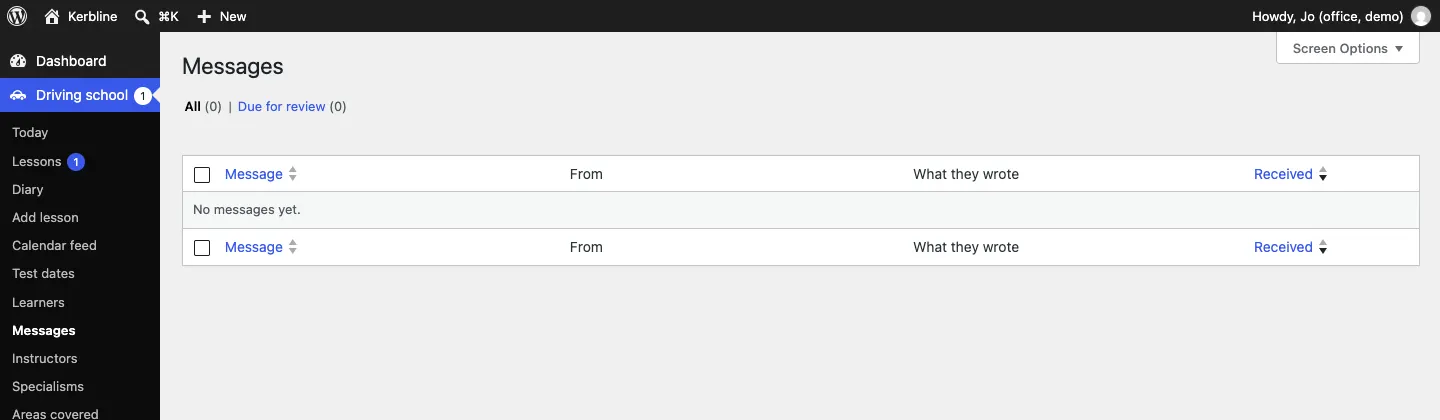
Messages also come up for review after a while, under Due for review, so you don't keep them longer than you need. See Privacy and emails.
Theory resources
The Theory test page groups your guides and useful links by topic, such as "The theory test", "Rules of the road" and "The practical test". Signed-in learners (Pro) can tick off each guide, and their instructor sees which they've finished.
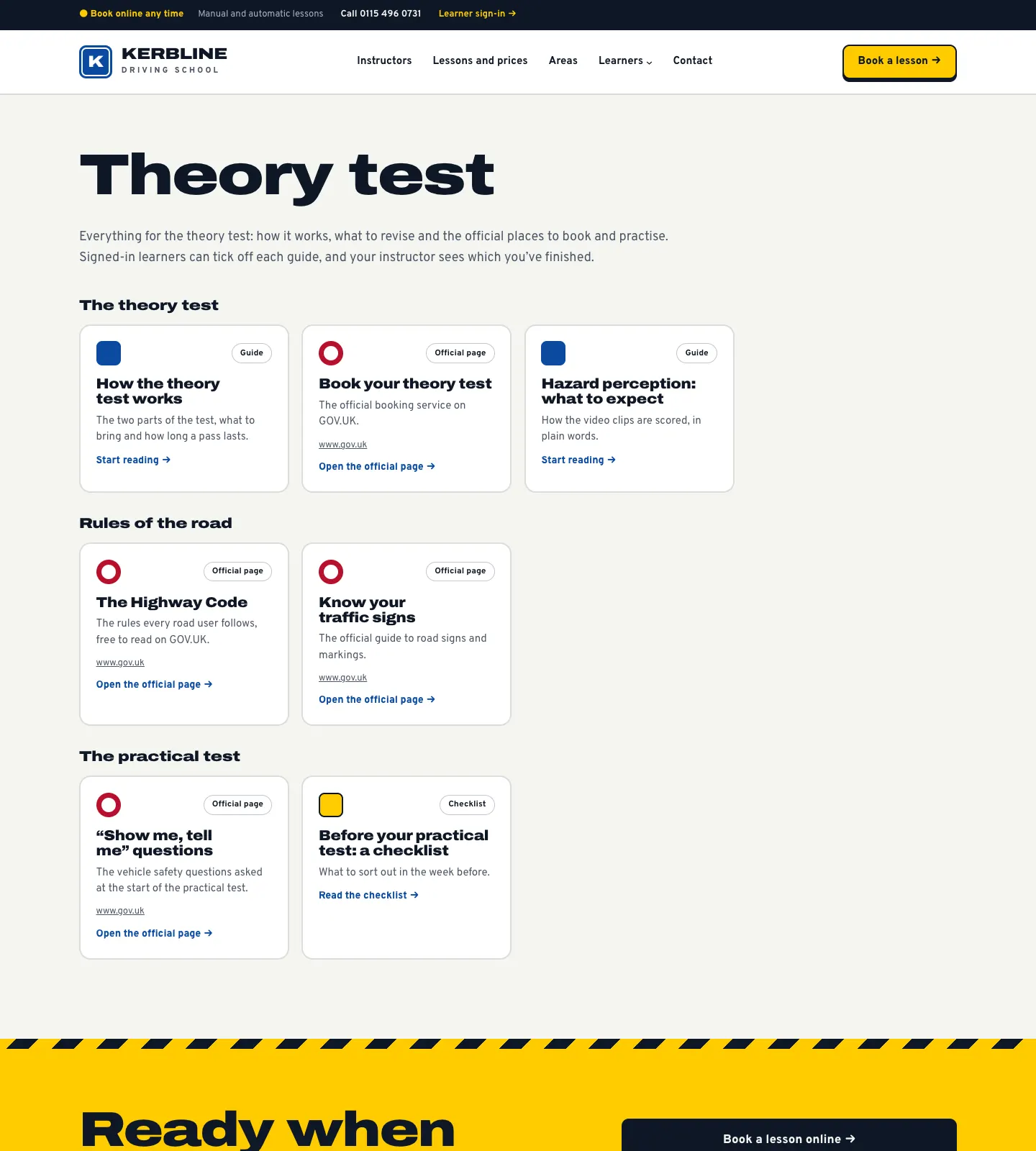
The setup wizard adds seven to start with.
How to add or edit a theory resource
-
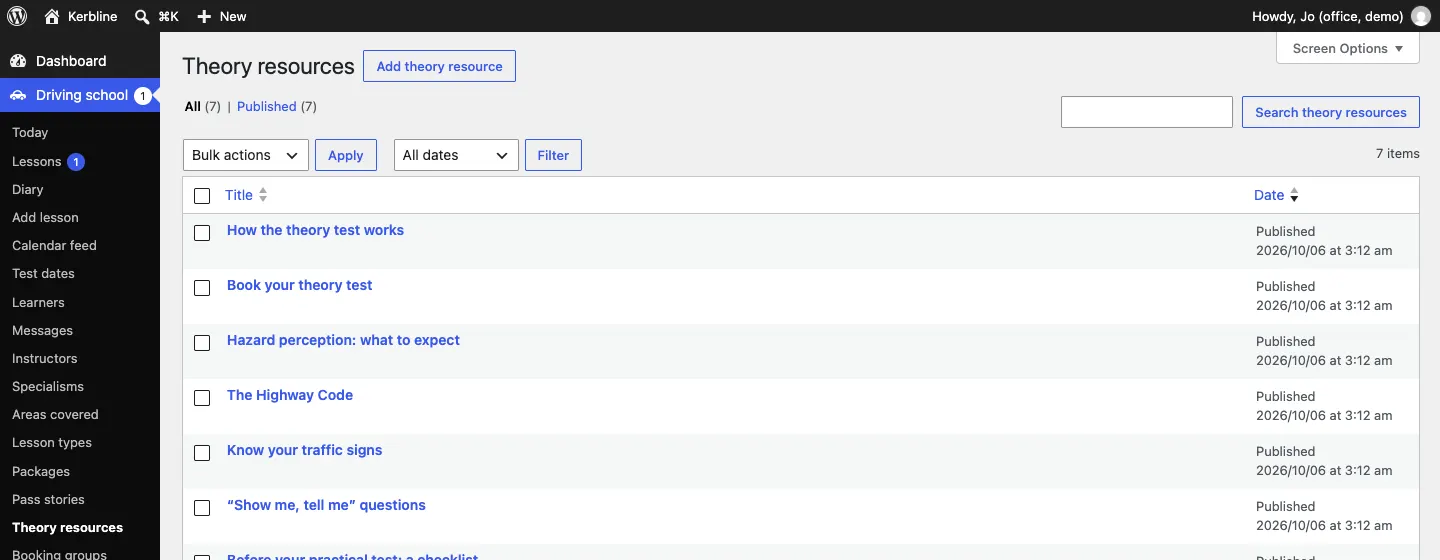
Go to Driving school → Theory resources.
-
Click a resource, or Add theory resource.
-
Type the title and, for a guide, write it in the main area. Add a short summary in the excerpt: it shows on the Theory test page.
-
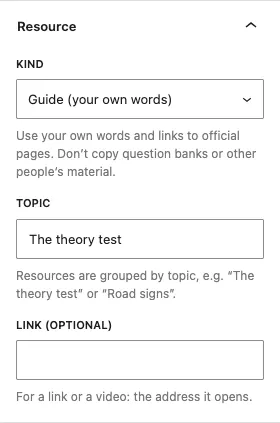
In the right-hand panel, open Resource and choose:
- Kind: Guide (your own words), Video, Link to an official page or Checklist.
- Topic: resources are grouped by topic, for example "The theory test" or "Road signs".
- Link (optional): for a link or a video, the address it opens.
-
Click Save (or Publish).