Running your website
The crew and albums
Adding DJs and hosts, photo albums from past events (the wall layout with names and dates), and how lists fit their count.
On this page
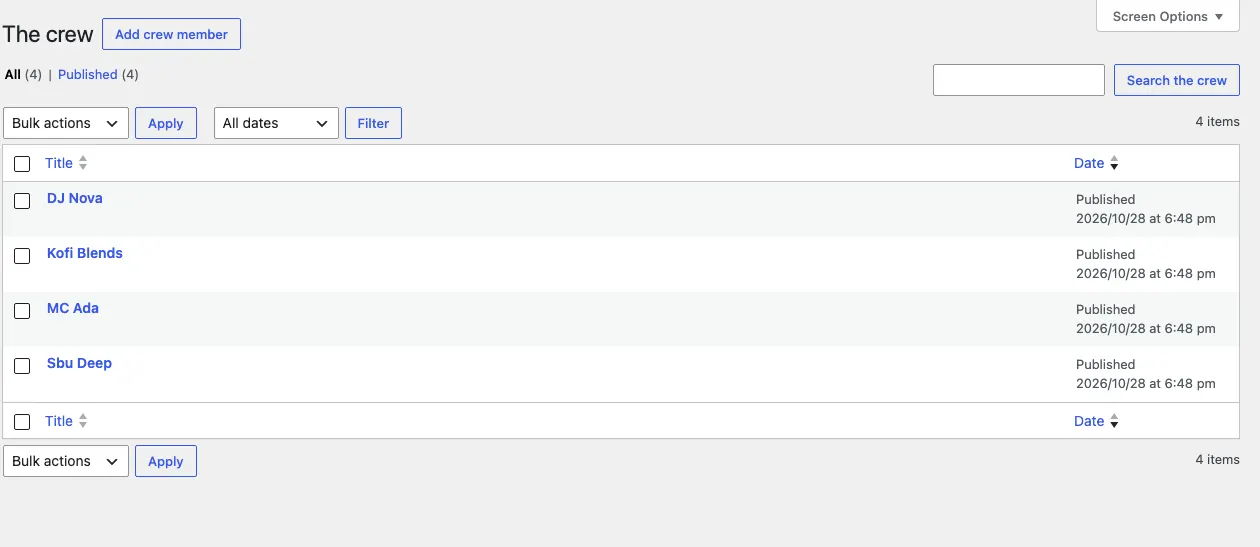
The crew
Events → The crew → Add crew member: a photo, their name, role (Founder, Resident, Host), sound (Amapiano, Afro House…), Instagram handle, and Takes bookings to offer them on the Book us form. Each has their own page. The order number sets who shows first.
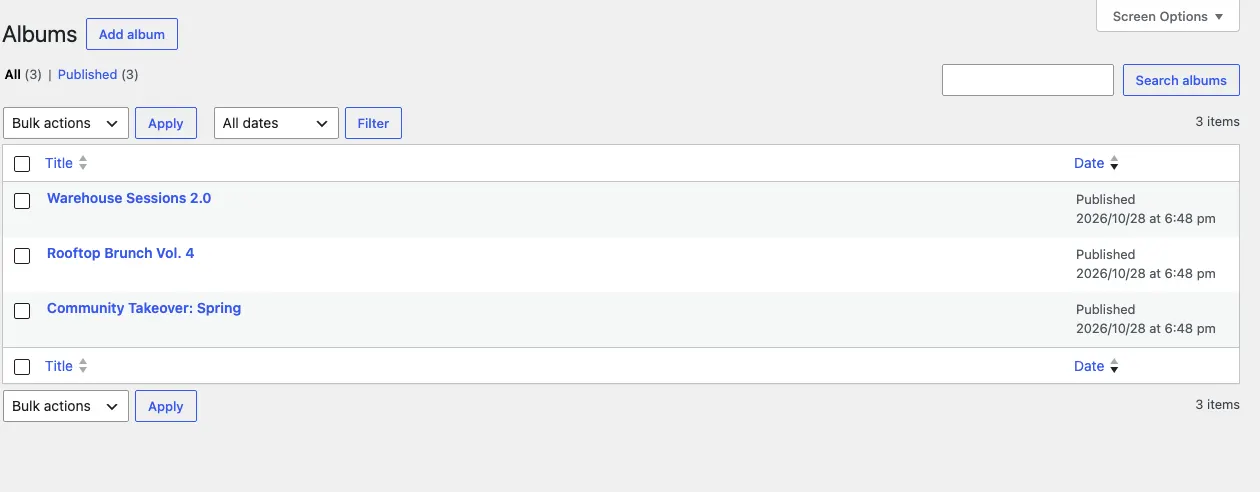
Albums
Events → Albums → Add album: a title, a cover photo and a gallery of photos in the album's content. Choose the event it's from (its date is used), or a date when there's no event.
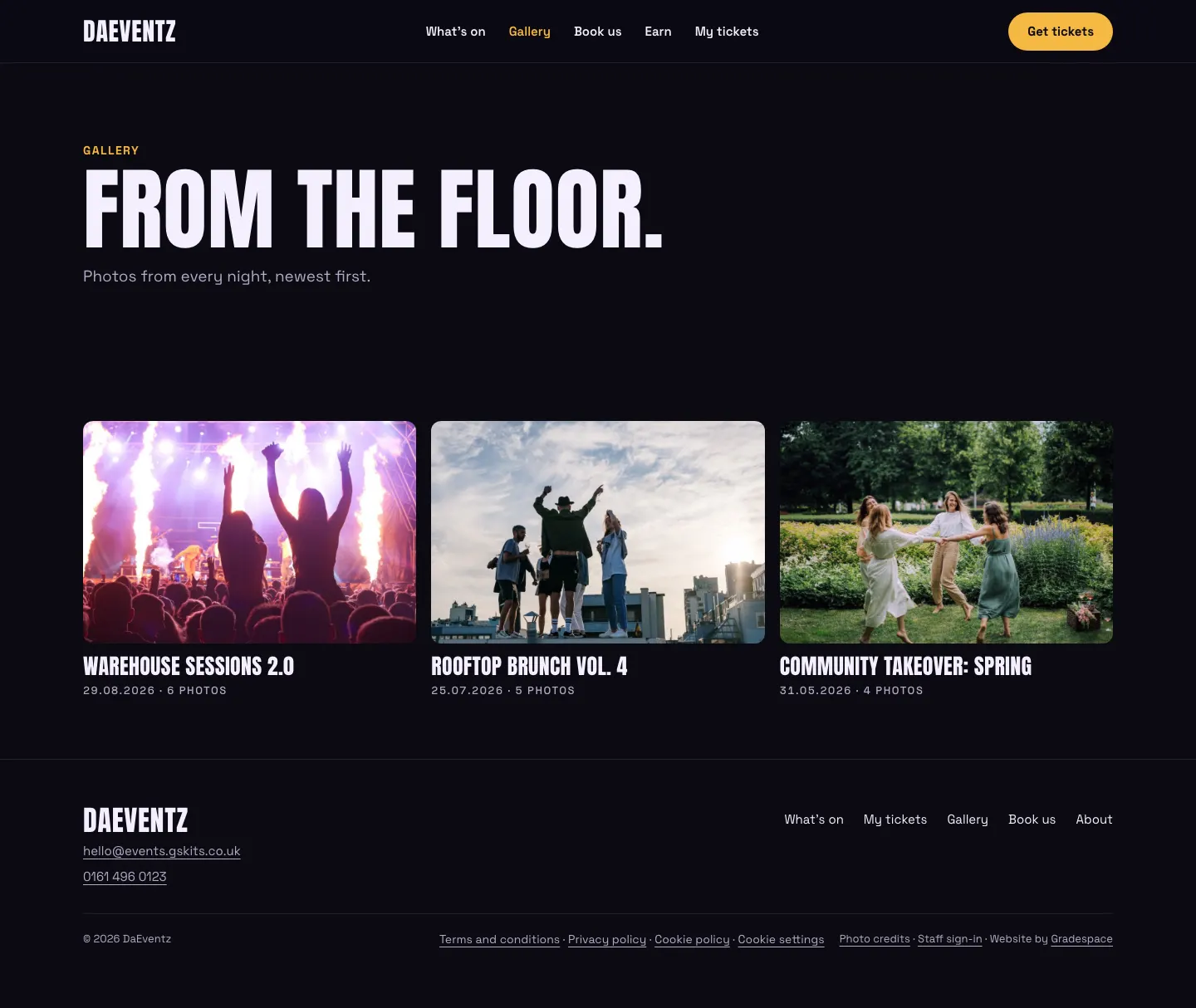
On the Gallery page, albums show as a wall: even photos with the album's name in capitals and the date under each (30.08.2026 · 48 photos), newest first. One or two albums are shown larger so the page stays full. Opening an album shows its photos in a grid you can open full screen.
On the album's page, visitors tap a photo to see it big and move through the album with the arrows, a swipe or the keyboard; a photo's caption shows under it.