Running your website
My tickets
How buyers see their tickets without a password: the sign-in link, what the page shows, tickets given to them, and signing out.
On this page
The My tickets page lets buyers see all their tickets without a password.
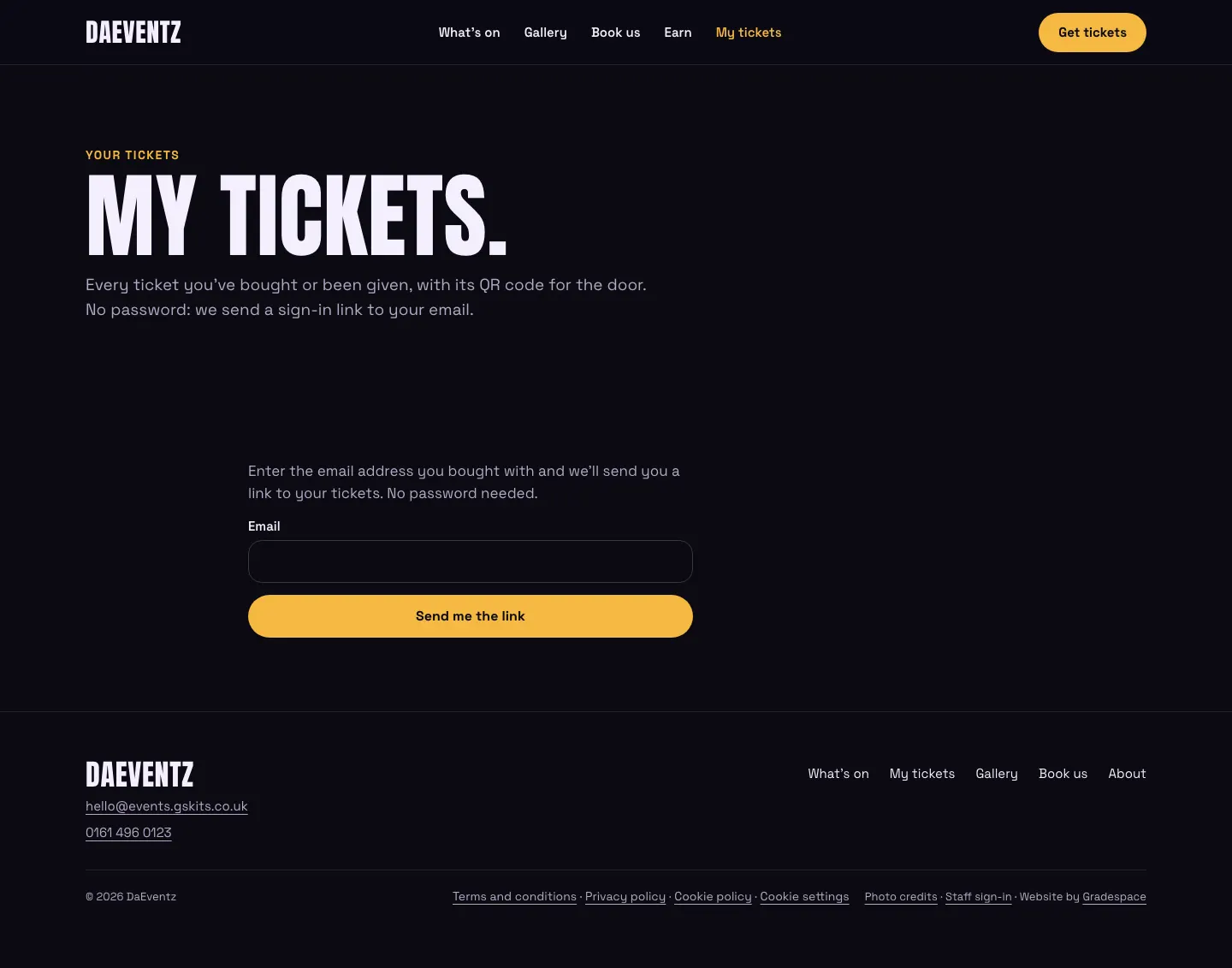
- They type the email address they bought with and click Send me the link.
- A link comes by email. It works once, for 15 minutes.
- The link signs them in on that browser for 30 days.
The page shows what's coming up and what's past, each linking to the order's own page with its QR codes. A ticket a friend gave them shows with its QR code right there.
The answer is the same whether or not the address has tickets with you, so nobody can use the form to find out who has bought tickets.
With Pro, the page also shows their points, the ways to earn, their rewards and (for reps) their sales.