Running your website
Daily running and settings
The Today screen, the Events menu, every settings tab, staff roles, and what happens to buyers' details.
On this page
Today
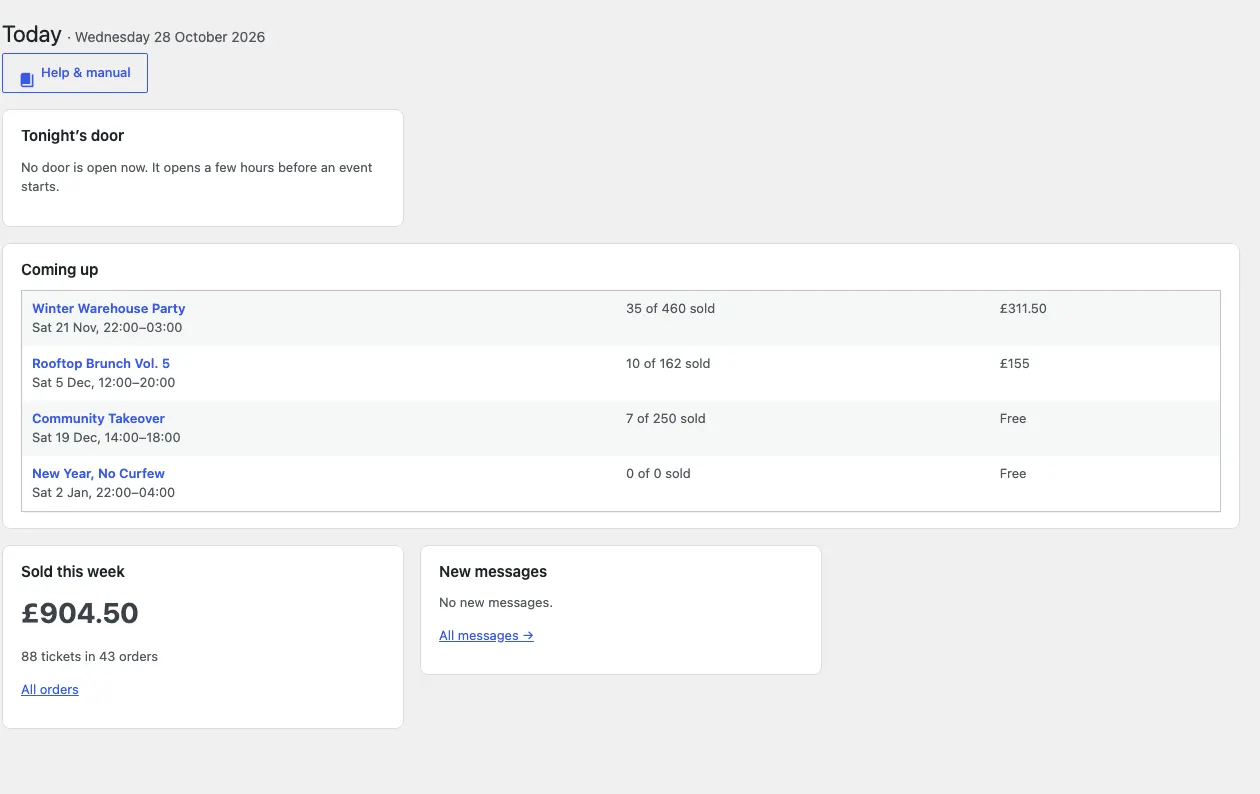
Events → Today shows tonight's door (how many are in), the events coming up with tickets sold and money taken, what's sold this week, and new messages.
The Events menu
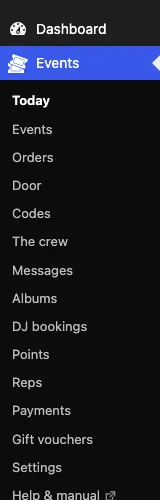
Today, Events, Orders, DJ bookings, Door, Codes, Points (Pro), Reps (Pro), The crew, Albums, Messages, Payments, Settings and Staff access.
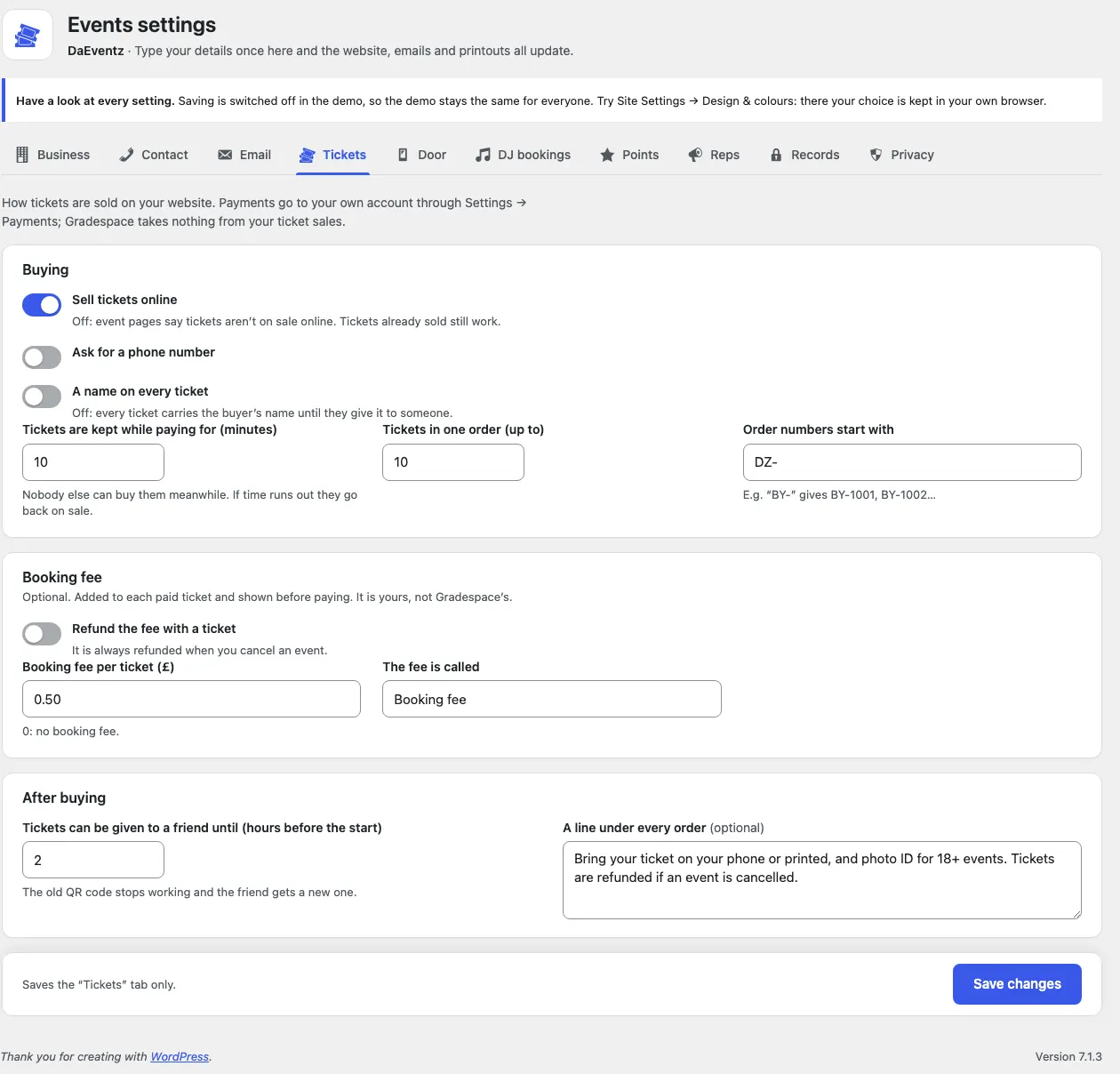
Settings
| Tab | What's on it |
|---|---|
| Tickets | Selling online, minutes kept while paying, tickets per order, order numbers, phone, names on tickets, the booking fee, transfers, the line under every order |
| Door | Keep working on bad signal; when the door opens |
| DJ bookings | The form, kinds of event, the reply, the deposit note |
| Points (Pro) | On or off, the name, points per £1, for coming, for a friend, the daily limit |
| Reps (Pro) | Applications on or off, the starting commission |
| Records | When orders come up for review after an event |
Plus Core's tabs: Business, Contact, Email, Payments, Privacy, Redirects and Licence.
Staff
- Events manager: events, orders, the door and messages.
- Door staff: the door only.
- Editors: events, the crew and albums, but not buyers' orders.
Change who can do what under Staff access. See Staff and signing in.
Buyers' details
Orders keep the buyer's name, email and (if asked) phone, and each ticket holder's name. WordPress's Tools → Export / Erase Personal Data finds them by email. Erasing removes the name, email and phone but keeps the order's reference and amounts for your accounts, and stops tickets for events still to come.