User manual
Gradespace Salon: the manual
What the Salon kit does for hair and beauty salons, barbers, spas, nail and lash studios, what Starter and Pro include, and every chapter of this manual in reading order.
On this page
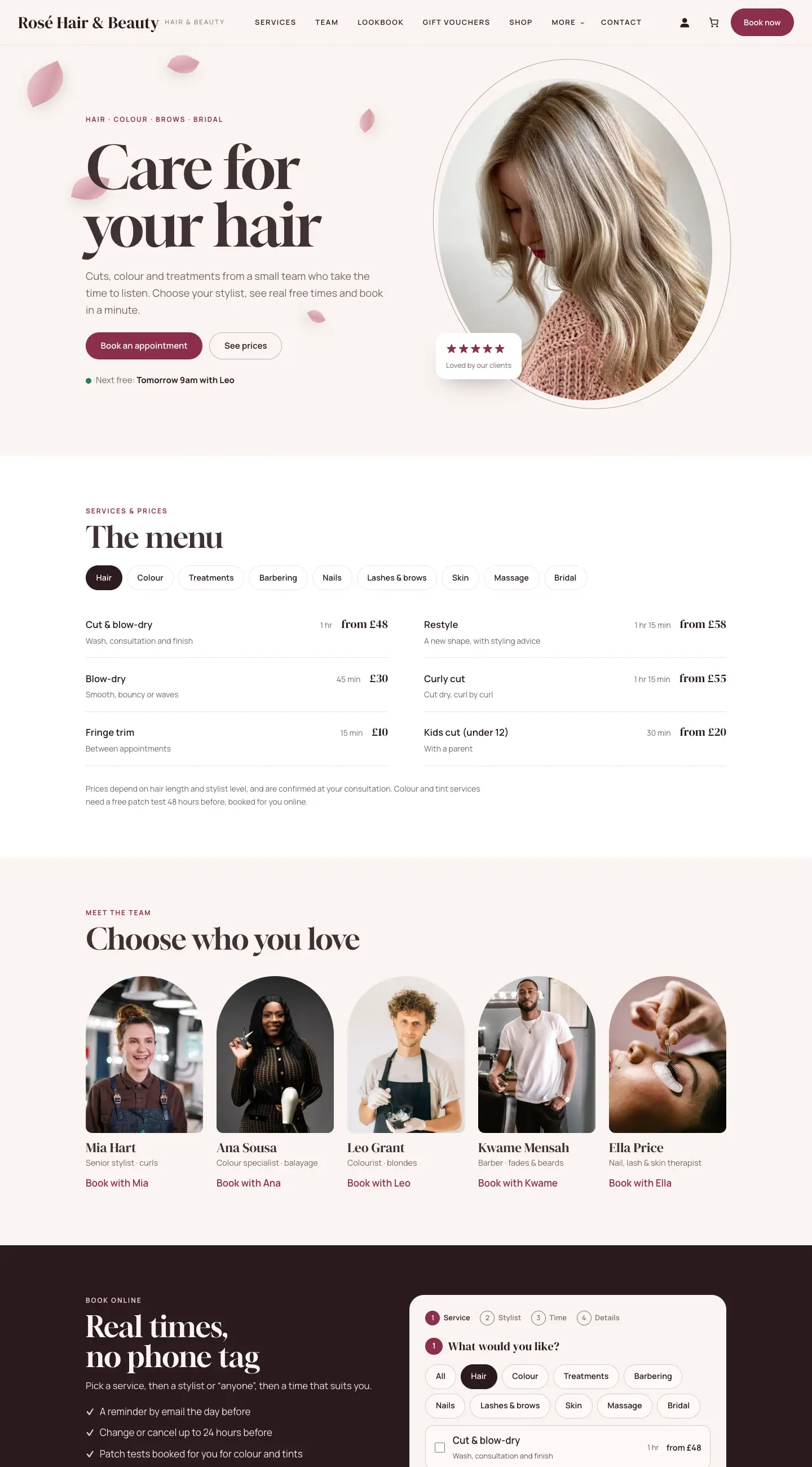
Gradespace Salon turns a WordPress website into your salon's website and booking system. Clients see your treatments and prices, choose a stylist (or anyone), and book a real free time online. You and your team see every appointment in a diary with a column for each person, keep client records with notes and patch tests, and, with Pro, take deposits, sell gift vouchers, run a loyalty card and sell packages.
It suits hair and beauty salons, barbers, spas, and nail, lash and brow studios.
The kit comes in three parts, installed in this order:
- Gradespace Core (free): the back office, with settings in plain words, the Today screen, staff access, branded emails, the setup wizard and your licence.
- The Gradespace Salon plugin (a plugin is an add-on for WordPress): services, the team, booking, clients, vouchers and the rest.
- The Gradespace Salon theme: the design, with four looks to choose from.
One licence covers the plugin and the theme.
Starter and Pro
Features marked (Pro) need a Pro or Agency licence. Without a licence key the kit runs in Starter mode so you can try it, but without updates or Pro features.
| Feature | Starter | Pro and Agency |
|---|---|---|
| Services with times, processing and finishing time, gaps, prices and categories | Yes | Yes |
| Different times or prices for some stylists | Yes | Yes |
| The team, with working hours, breaks and days off | Yes | Yes |
| Online booking of up to several services, with a stylist or anyone, at real free times | Yes | Yes |
| Emails, calendar invites, reminders and a link to move or cancel | Yes | Yes |
| Patch tests booked automatically | Yes | Yes |
| Group bookings (several people at the same visit) | Yes | Yes |
| Today screen, appointments list and diary (day, week, month) | Yes | Yes |
| Client records with notes, visits and patch tests; records review | Yes | Yes |
| Stylist and front desk sign-ins | Yes | Yes |
| Walk-ins strip with the current wait | Yes | Yes |
| Four designs, each with seven colour palettes | Yes | Yes |
| Deposits and prepayment through Stripe or WooCommerce | Yes | |
| Gift vouchers (sold online, issued and taken at the till) | Yes | |
| Loyalty card | Yes | |
| Packages and courses | Yes | |
| Choosing exactly what each staff role can do (Staff access) | Yes | |
| Updates | With a licence | Yes |
An Agency licence is the same as Pro, for up to five live websites.
How this manual is organised
The manual has two kinds of chapter. The shared chapters cover things that work the same in every Gradespace kit, such as installing, your logo and menus, and emails. The Salon chapters cover everything special to this kit. Read them in this order:
Getting started
- Quick start: from buying to your first booking
- Buying and your licence
- Before you install
- Installing
- The setup wizard (in general)
- The Salon setup wizard
- Designs, colours and pages
Your website
Running the salon
- Services and prices
- Your team, hours, breaks and days off
- Booking on the website
- Appointments and the diary
- Clients
- Deposits, payments and gift vouchers (Pro)
- Loyalty card and packages (Pro)
- Group bookings
- Messages from the contact form
- Salon settings
- Running the salon day to day
Looking after your website
Getting help
Email support@thegradespace.com with what you were doing, what you expected and a screenshot, and we'll help. See Troubleshooting and support.
Every chapter of this manual
Buying and installing
- Buying and your licenceSharedThe Starter, Pro and Agency tiers, buying a kit, the licence key email, your licences page on thegradespace.com, and moving or upgrading a licence.
- Before you installSharedWhat your website and hosting need for a Gradespace kit, how to check them, and why to take a backup and use a test copy first.
- Installing your kitSharedInstalling Gradespace Core, then your kit's plugin, then your kit's theme from their .zip files, adding your licence key, and how updates arrive.
Setting up
- The setup wizardSharedHow the setup wizard works in every kit: each step, the starter pages and menu, sample photos, legal pages, and how to run it again.
- The setup wizardThe step-by-step screen that gets a new salon website ready: what you offer, your team, opening hours, online booking, and the starter pages, sample team, reviews, lookbook, shop and photos.
- Your look: design, colours, logo, menus and footerSharedChoosing a design and colour palette in Site Settings → Design & colours, previewing it, keeping the menu at the top when scrolling, adding your logo, and changing the menu and the footer.
- Designs, colours and pagesThe Salon kit's four designs (Blush, Barbershop, Studio and Luxe), their seven colour palettes each, and the pages and menus the kit sets up for you.
- Pages, posts and picturesSharedEditing pages in the WordPress block editor, starting a page from your kit's ready-made layouts and sections, writing blog posts, and adding and replacing pictures in the media library.
Running your website
- Services and pricesAdd your treatments with their times, prices, categories, who does them, patch tests and deposits, so the website's price list and booking form are always right.
- Your team, hours, breaks and days offAdd each stylist, barber or therapist with their photo and profile, set their working hours, weekly breaks and days off, and give them their own sign-in to see their diary.
- Booking on the websiteWhat your clients see when they book online: choosing services, a stylist and a free time, patch tests, deposits, and changing or cancelling with the link in their email.
- Appointments and the diaryThe staff side of bookings: the Today screen, the appointments list, the diary, adding phone and walk-in bookings, confirming requests, moving, cancelling and marking appointments done.
- ClientsClient records: contact details, every visit, notes and colour formulas, patch tests, the loyalty card and packages, and reviewing old records for data protection.
- Deposits, payments and gift vouchersTaking deposits when clients book online, the Payments list, refunds, and selling, issuing and taking gift vouchers.
- Loyalty card and packagesA digital stamp card that rewards regular clients, and packages (courses of visits sold up front) that are used up as clients book, plus the offers on your Offers & packages page.
- Group bookingsBookings for several people at the same visit, such as a bride and her bridesmaids: how clients book them, and how you see, move and cancel them under Booking groups.
- Messages from the contact formWhere contact form messages go, how to read and answer them, and how to keep the list tidy for data protection.
- Salon settingsEvery tab of Salon → Settings explained: business details, contact, emails, online booking rules, opening hours, the loyalty card, records, privacy, payments and your licence.
- Running the salon day to dayA simple daily and weekly routine for the front desk and stylists: the Today screen, the red badges, requests, done and no-shows, messages, payments and keeping records tidy.
Looking after your website
- Staff accounts and signing inSharedGiving each member of staff their own account, the staff roles each kit comes with, choosing what each role can do (Pro), and the staff sign-in page.
- Privacy, cookies and emailsSharedThe cookie banner and cookie settings, your starter terms, privacy and cookie policies, requests for people's data, the website's branded emails, test emails and the email log (Pro).
- Backups and updatesSharedWhat to back up and how often, and how to install updates to Gradespace Core, your kit's plugin and its theme safely.
- Troubleshooting and supportSharedFixes for the problems people meet most often: licence messages, installing, the setup wizard, pages not found, emails, signing in, the design and the cookie banner, and how to get help.
Bought this kit? The whole manual is also a PDF (version 1.0.1) to download or print, on My licences.