Running your website
Clients
Client records: contact details, every visit, notes and colour formulas, patch tests, the loyalty card and packages, and reviewing old records for data protection.
On this page
Every booking makes or updates a client record. You don't have to type clients in: when someone books online, or you add an appointment, the website finds them by their email (or their name and phone) or makes a new record. Each record keeps their contact details, every visit, your notes, their last patch test, and their loyalty card and packages.
Features marked (Pro) need a Pro or Agency licence.
How to find a client
- Go to Salon → Clients.
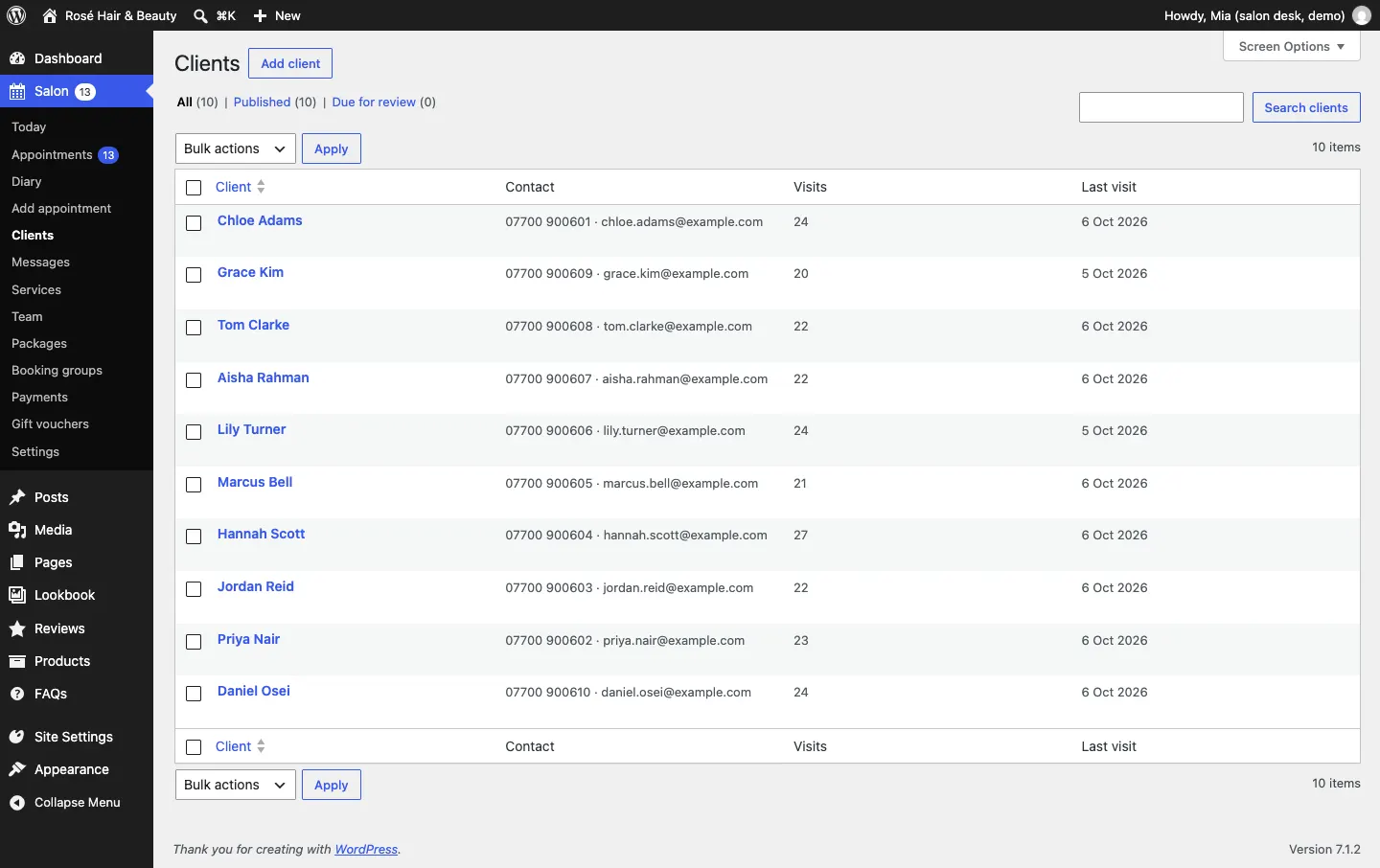
- Type a name, email or phone number in Search clients, or browse the list. It shows each client's Contact, number of Visits and Last visit.
- Click a name to open their record.
You can also click Client record on any appointment.
A client's record
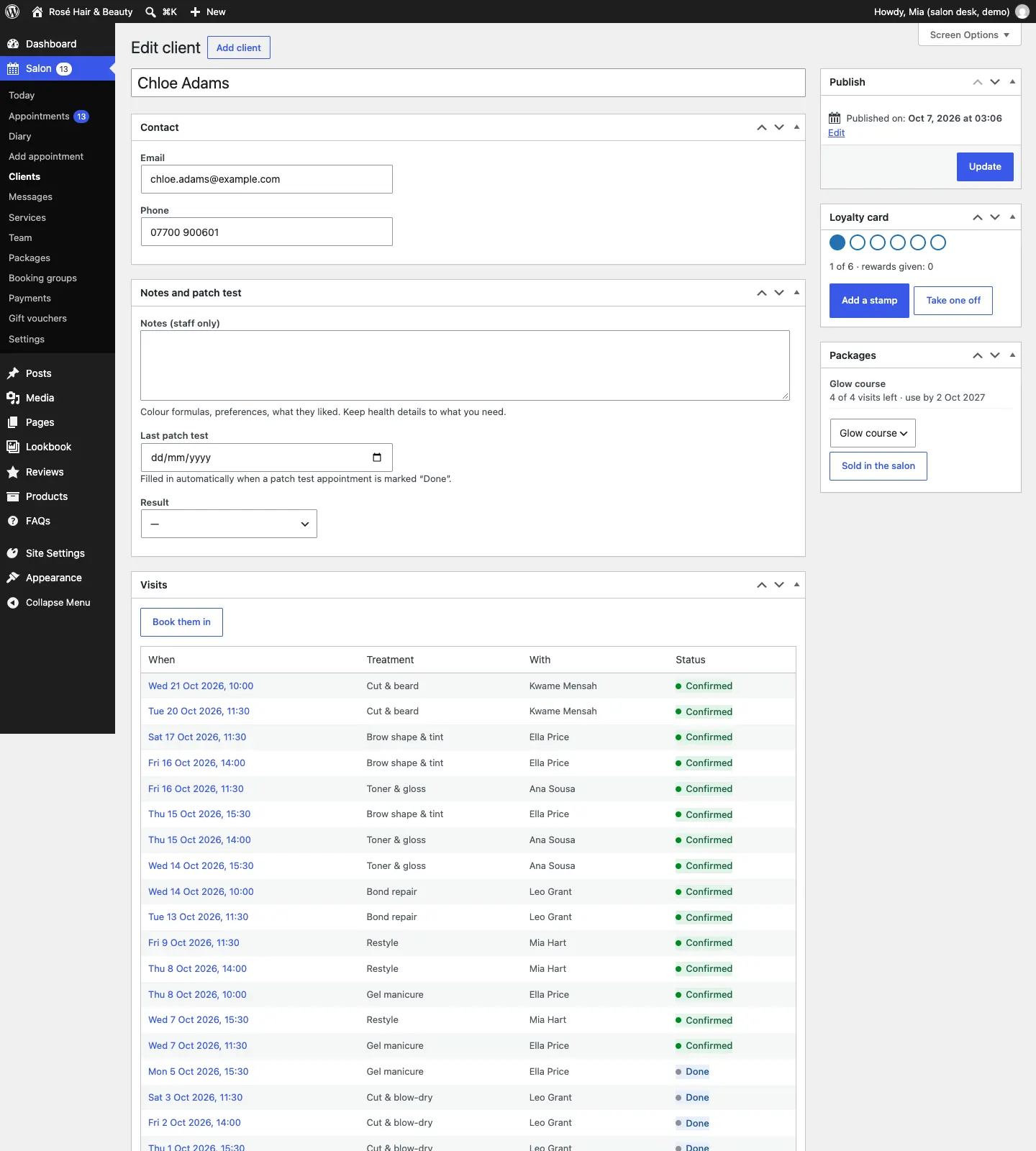
- Contact: their Email and Phone. Change them here if they give you new details.
- Notes and patch test: see below.
- Visits: every appointment, past and future, with the treatment, who with and the status. Click a date to open it. Book them in opens Add appointment with their details filled in.
- Loyalty card (Pro) and Packages (Pro): on the right, see Loyalty card and packages.
Click Update after changing anything.
Notes and patch test
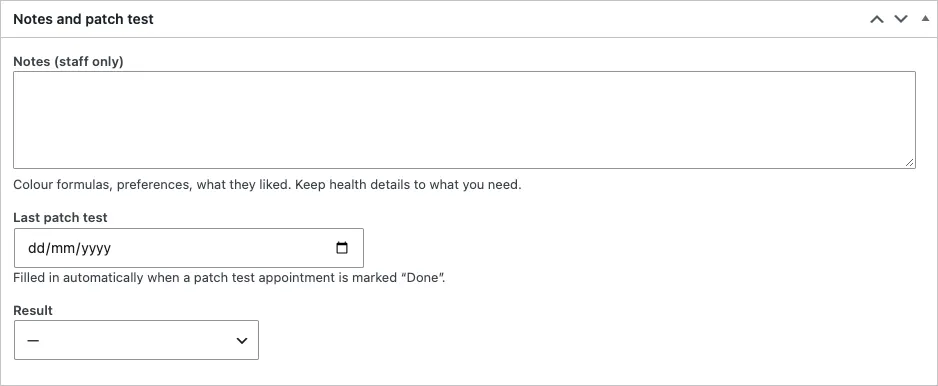
- Notes (staff only): colour formulas, preferences, what they liked. Keep health details to what you need.
- Last patch test: filled in automatically when a patch test appointment is marked Done. You can also type a date.
- Result: Clear: fine to go ahead or Reaction: don't use this product.
How to add a client by hand
You rarely need to, but for a client who hasn't booked yet:
- Go to Salon → Clients and click Add client.
- Type their name at the top (Client's name), then their Email and Phone under Contact.
- Click Publish.
Reviewing old records
Data protection law asks you to keep personal data only as long as you need it. The website helps without ever deleting anything by itself.
- Under Salon → Settings → Records, set Review clients after (months since their last visit). The default is 24 months.
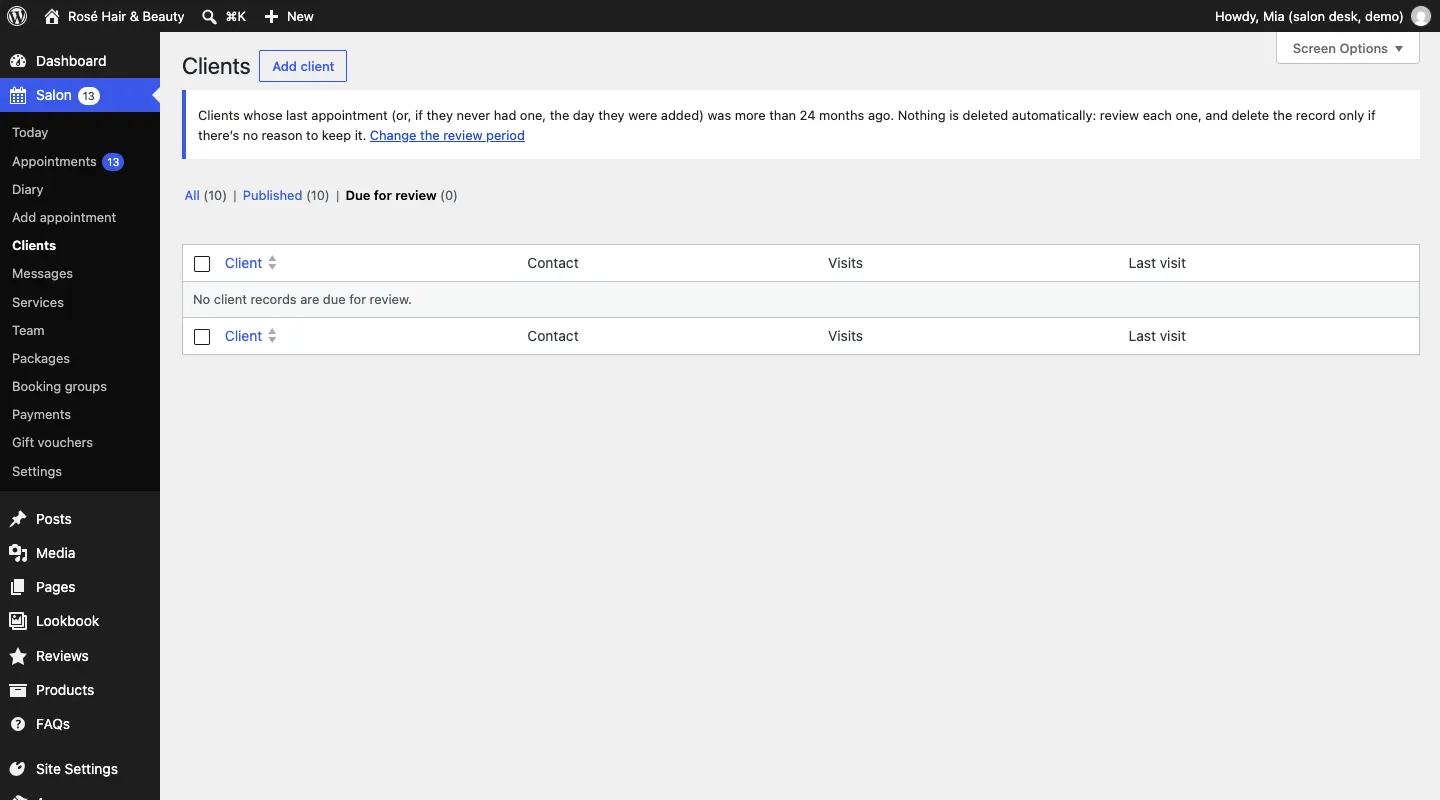
- Clients whose last appointment is older than that appear under Salon → Clients → Due for review.
- An administrator looks through the list, ticks the records there's no reason to keep, and chooses Delete selected.
- To confirm, type DELETE and click Delete for good.
Their appointments stay in the diary and your figures, without their name or details.
When a client asks for their data
If a client asks for a copy of their data, or for it to be deleted, use WordPress's own tools: Tools → Export Personal Data or Tools → Erase Personal Data, with their email address. The salon's client record and appointments are included. See Privacy and emails.