Running your website
Messages from the contact form
Where contact form messages go, how to read and answer them, and how to keep the list tidy for data protection.
On this page
Not everyone wants to book straight away. Some people have a question first: "Do you do curly cuts?", "Can I bring my daughter?". The Contact page has a Send us a message form for them. Each message is emailed to you and kept under Salon → Messages, so nothing gets lost if an email goes astray.
What visitors see
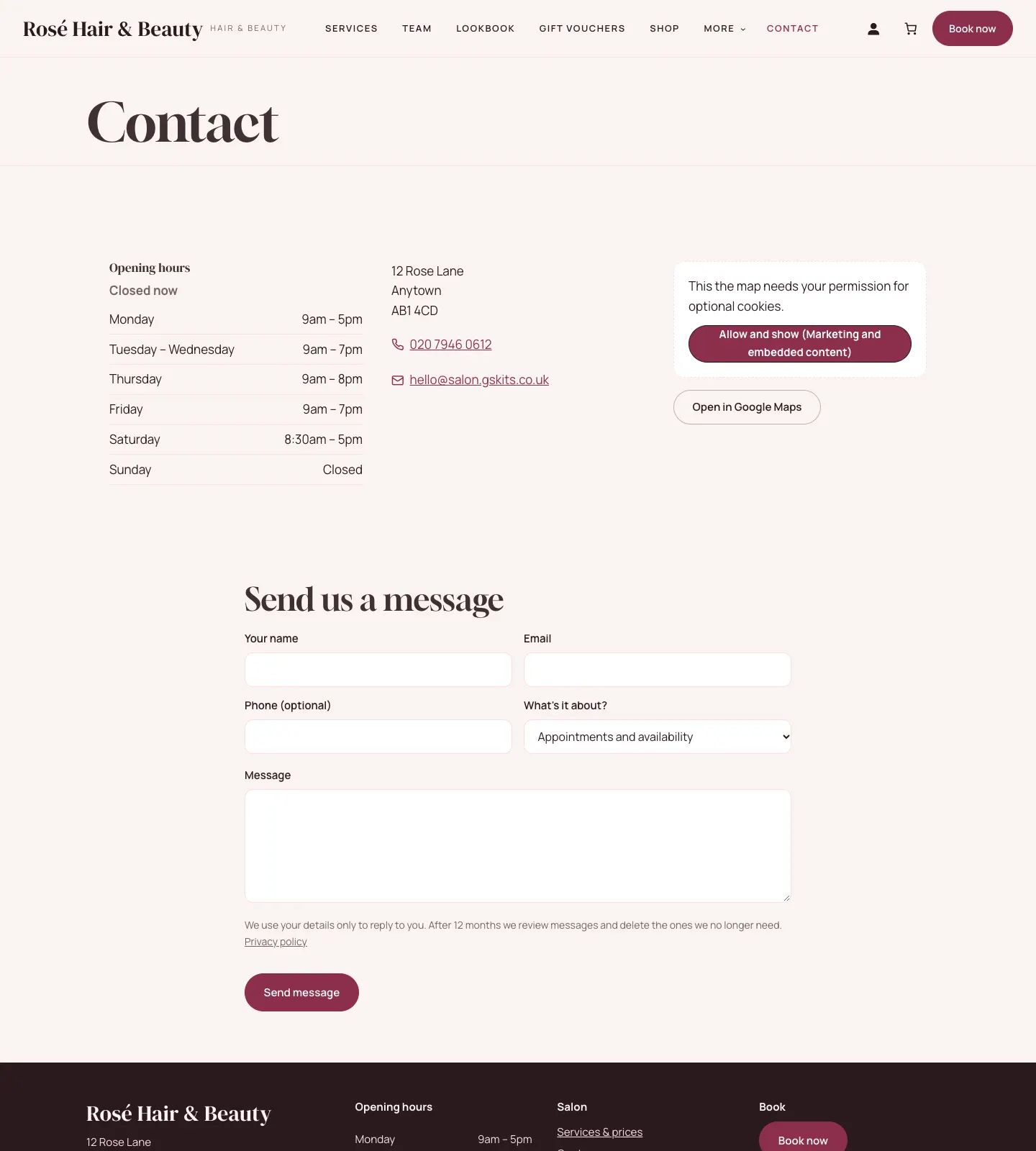
The Contact page shows your opening hours (with "Open now" or "Closed now"), address, phone, email, a map and the message form. Visitors type Your name, Email, Phone (optional), choose What's it about?, write their Message and click Send message. They get an automatic "Thanks for your message" email.
How to read and answer messages
- New messages show on Salon → Today under New messages. Click All messages →, or go to Salon → Messages.
- The list shows who each message is From, What they wrote and when it was Received.
- Click a message to read it in full.
- To answer, use Reply by email, or simply reply to the "New message from the website" email you received. Your reply goes straight to the visitor.
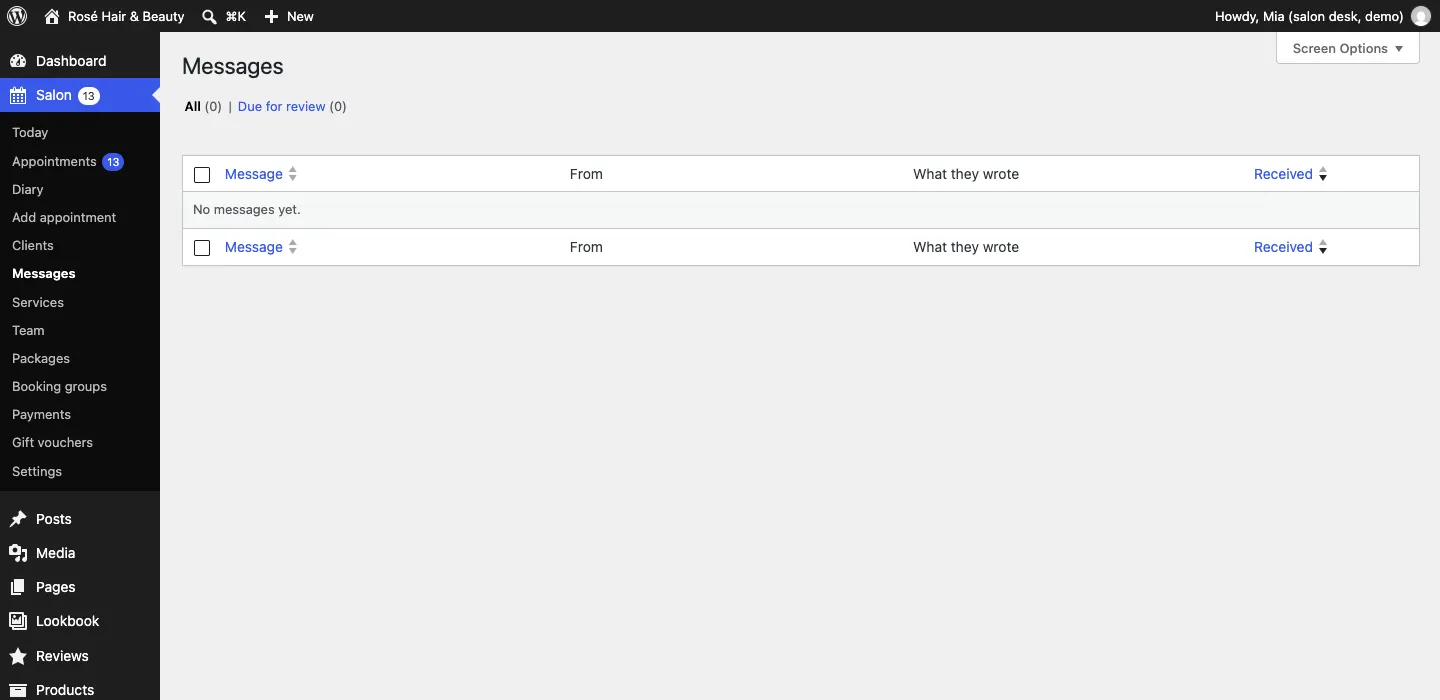
The public demo starts each day without messages, so the list is empty there.
Where message emails go
Messages are emailed to the address in Salon → Settings → Email → Send notifications to. For several people, put commas between the addresses. The same address gets new bookings and cancellations. See Settings.
Changing the form
Under Salon → Settings → Contact, in the Contact form section:
- Subjects to choose from (optional): the choices in What's it about?, one per line. Leave it empty to hide the list.
- Automatic reply: the words of the "Thanks for your message" email. You can switch that email off under Email.
Keeping the list tidy
Data protection law asks you not to keep personal data longer than you need it.
- Under Salon → Settings → Contact, set Review messages after (months).
- Under When messages are due, choose List them for review before deleting (recommended) or Delete them automatically.
- With review, older messages appear under Salon → Messages → Due for review. An administrator ticks the ones there's no reason to keep and chooses Delete selected.
More on privacy is in Privacy and emails.